GTA 6, how to
How do you open a bank account in GTA 6?
Short answer
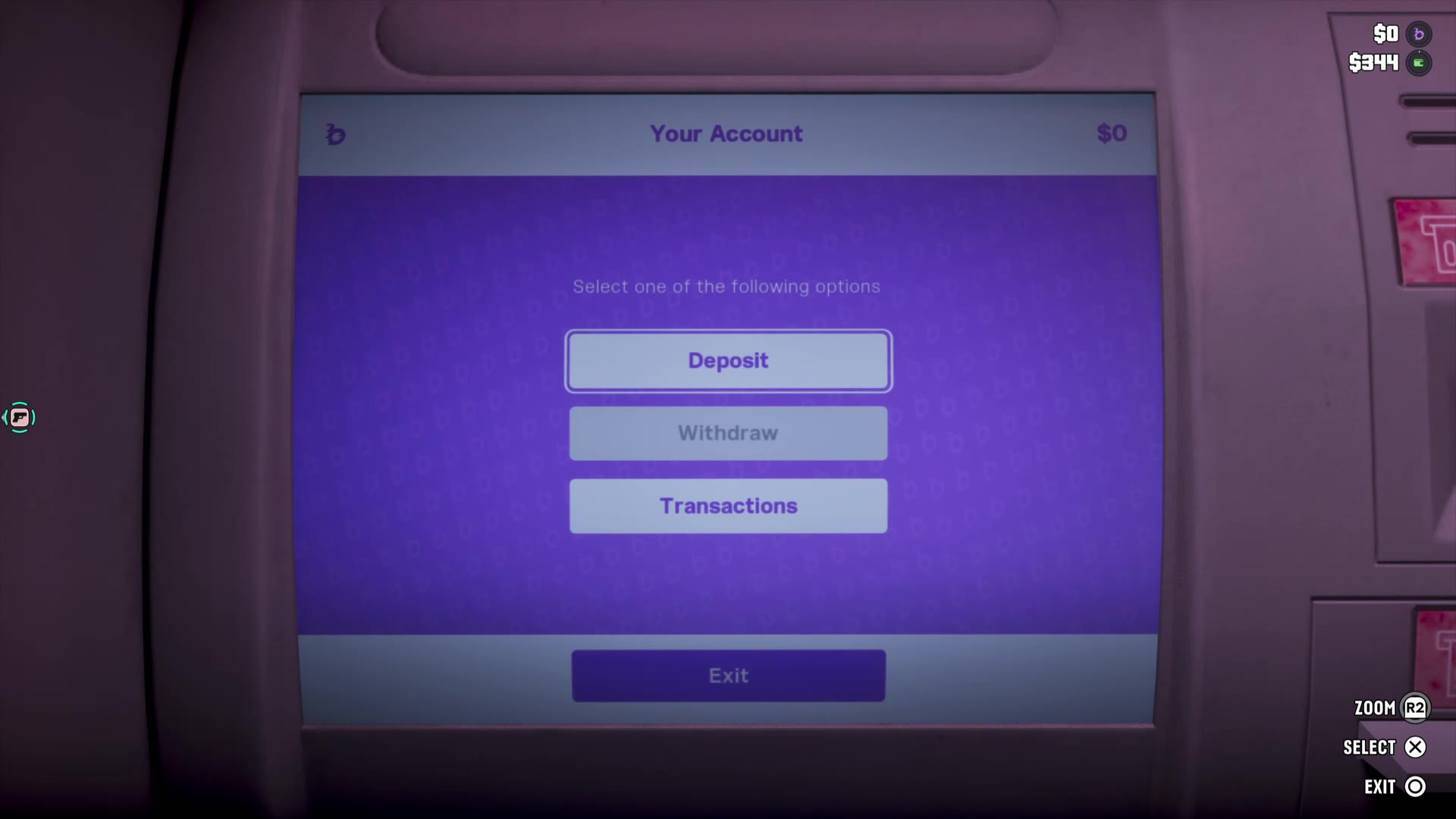
Through the story: the map's Story list has Set Up Bank Account, which points to a Fleeca branch. In our own game on PS5, after that visit a purple BuckMe balance stood at the top right beside the cash and the stash. At an ATM the screen offers Deposit, Withdraw and Transactions, with an account limit of $15,000 and a minimum deposit of $10; in our clips the wallet dropped by what the BuckMe balance gained.
Sources last checked 21 November 2026
GTA 6 has a bank, and you open the account through the story. In our own game on PS5 it came up as Set Up Bank Account in the Story list of the map, at a Fleeca branch; after that visit a purple balance stood at the top right beside the cash. One player’s video shows the rest: the BuckMe app on the phone and a deposit at an ATM.
How do you open a bank account in GTA 6?
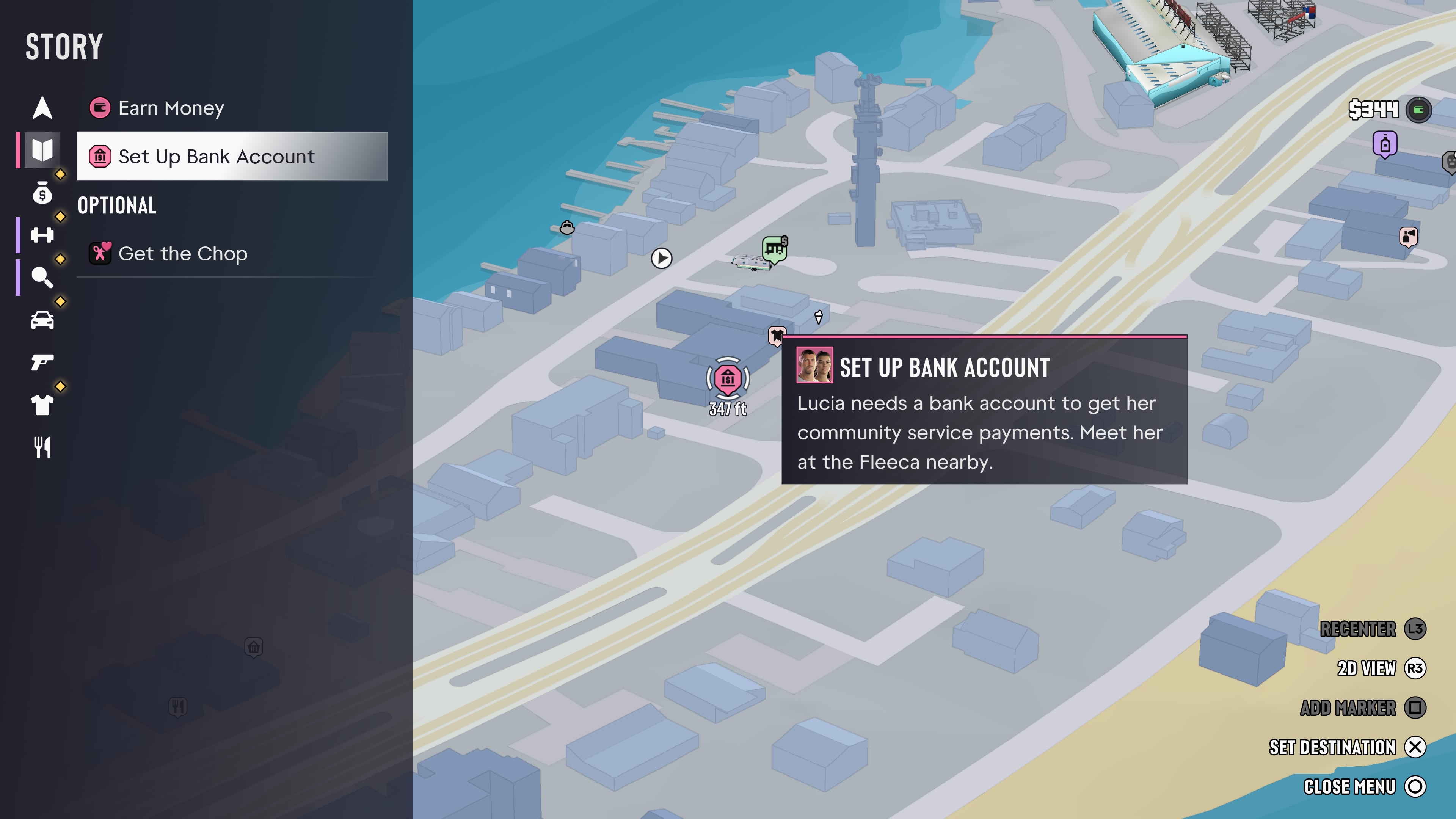
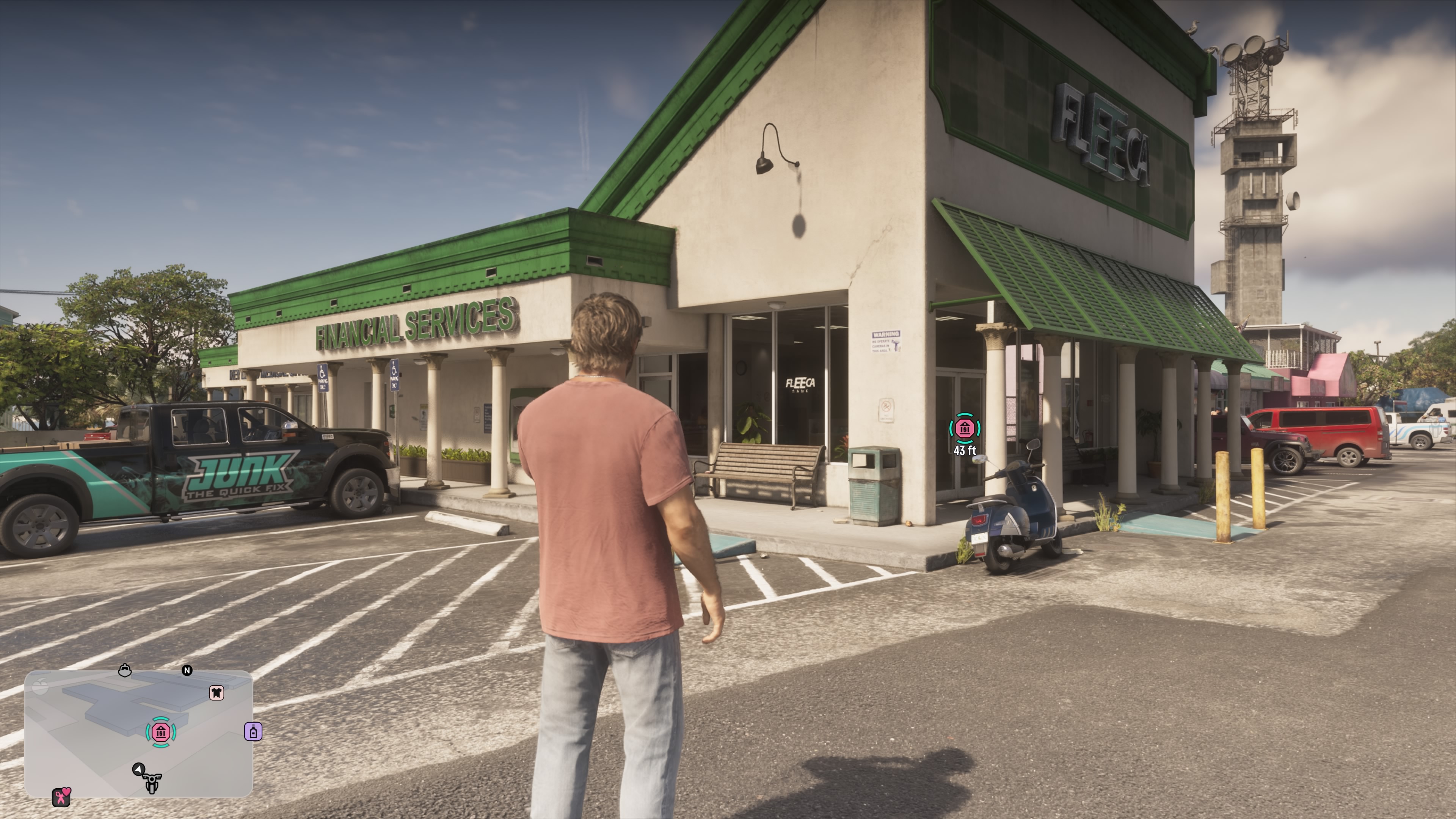
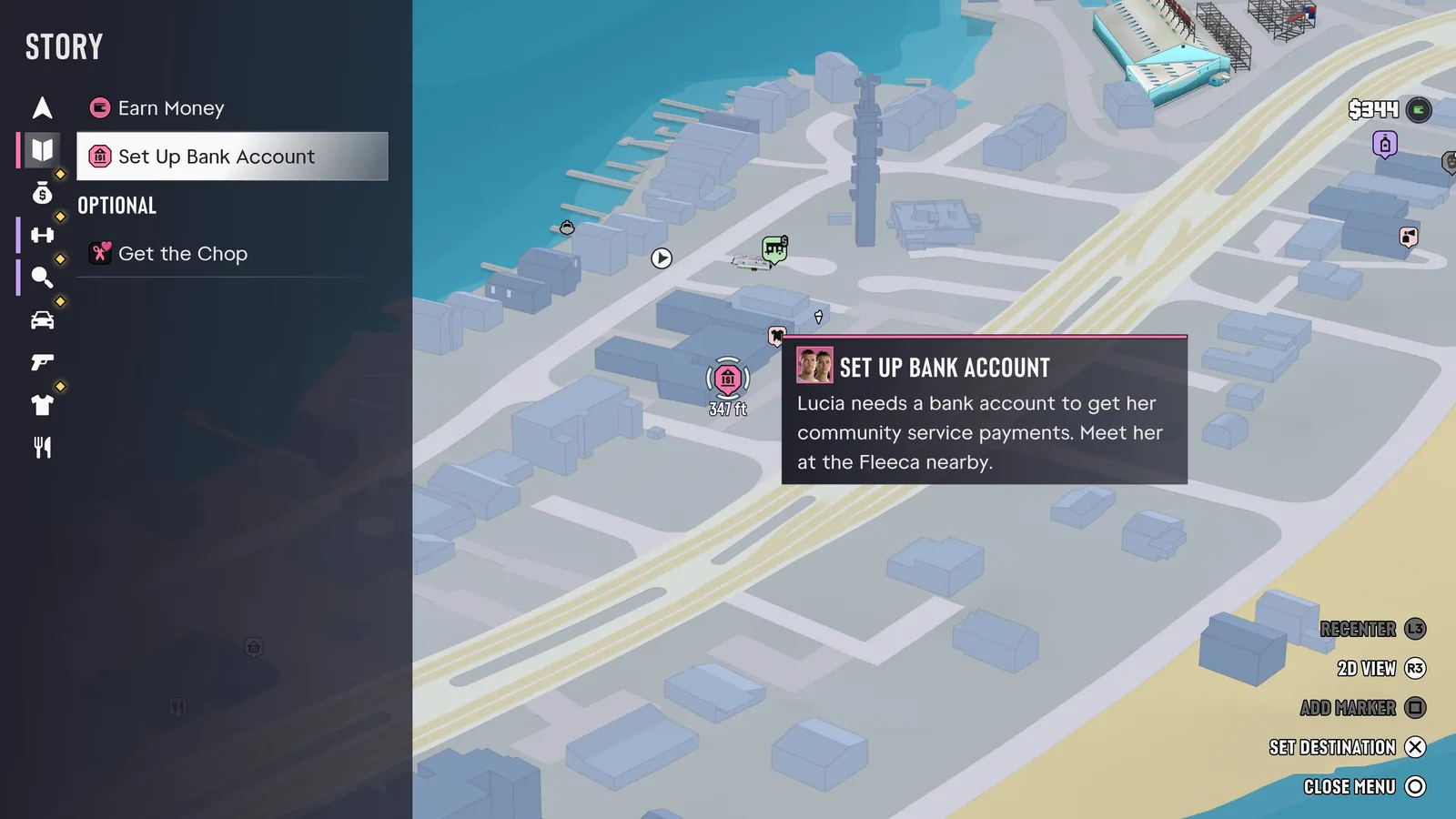
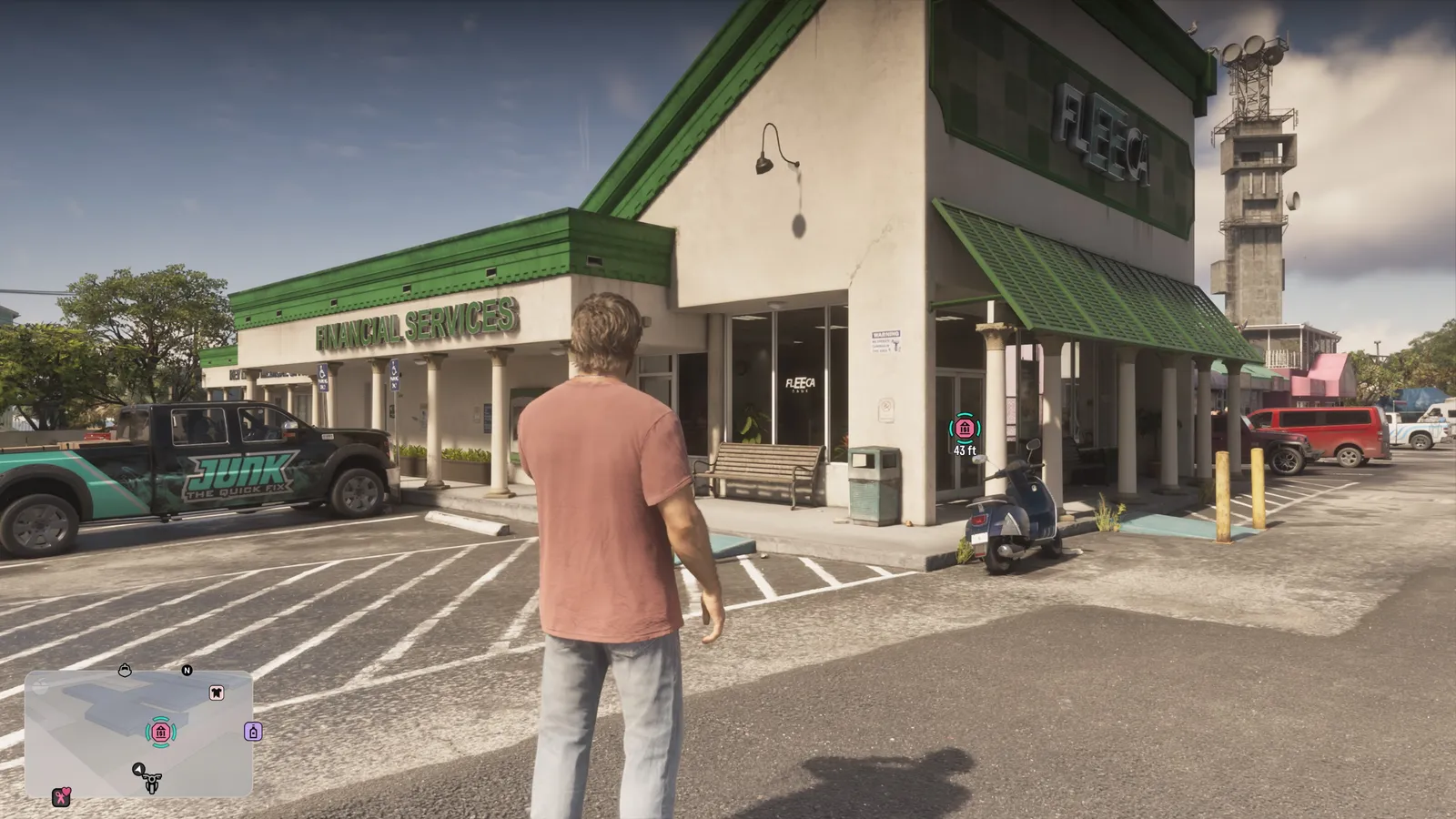
Updated 21 November 2026. Through a story entry on the map. In our own game (PS5, version 1.002.001) the Story list of the map held Earn Money and Set Up Bank Account, with this text beside it: “Lucia needs a bank account to get her community service payments. Meet her at the Fleeca nearby.” The icon of that entry stood at the door of a Fleeca branch with Financial Services on its front. What happens inside is story, so we leave it out.
What are the three amounts at the top right?
Updated 21 November 2026. Your bank balance, your cash and your stash. On our first screenshot after the Fleeca visit the corner showed three lines: $0 beside a purple symbol, $344 beside the green wallet and $0 beside a house with a dollar sign. Before that visit our screenshots show only the wallet, and indoors the house beside it.
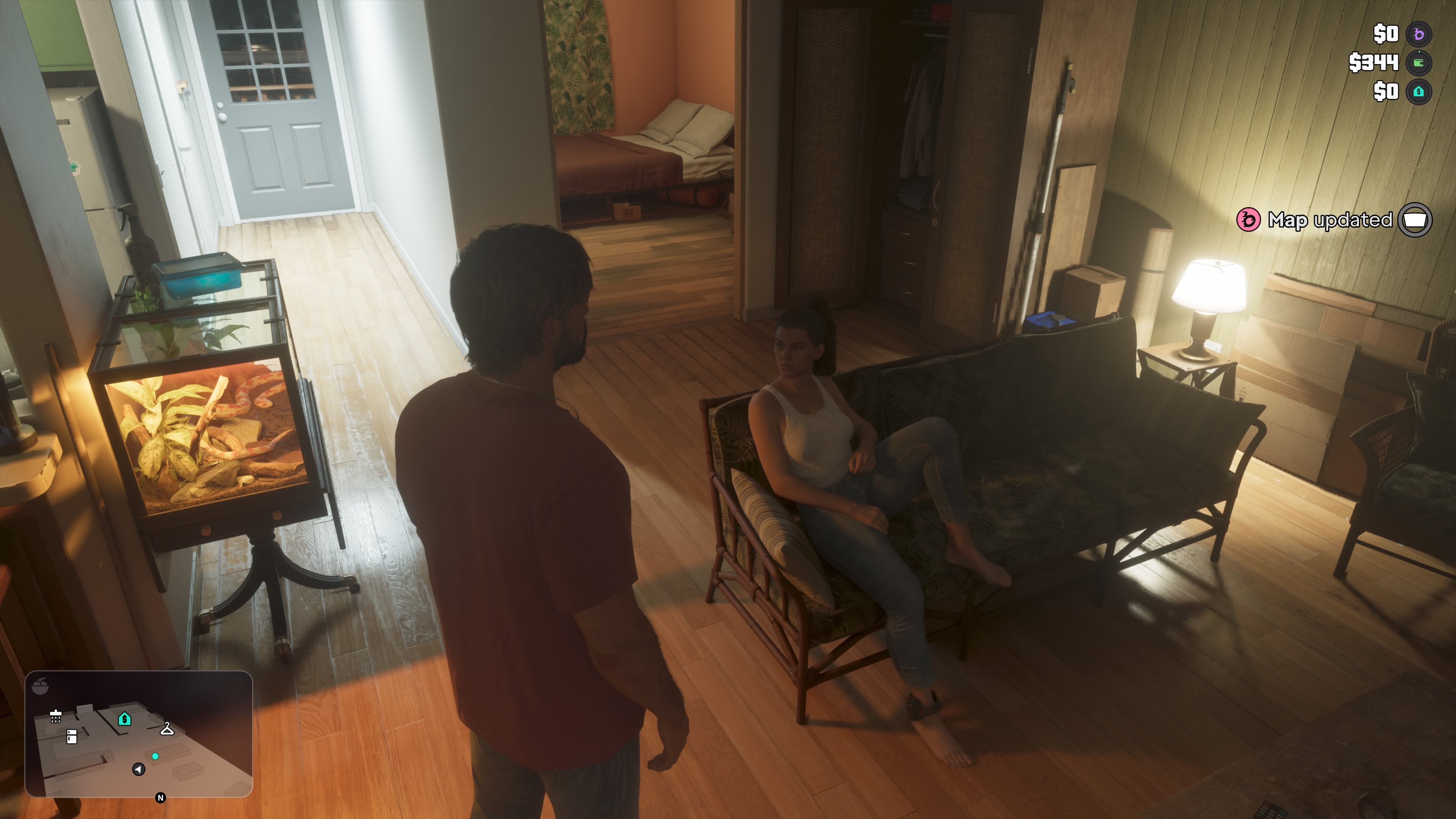
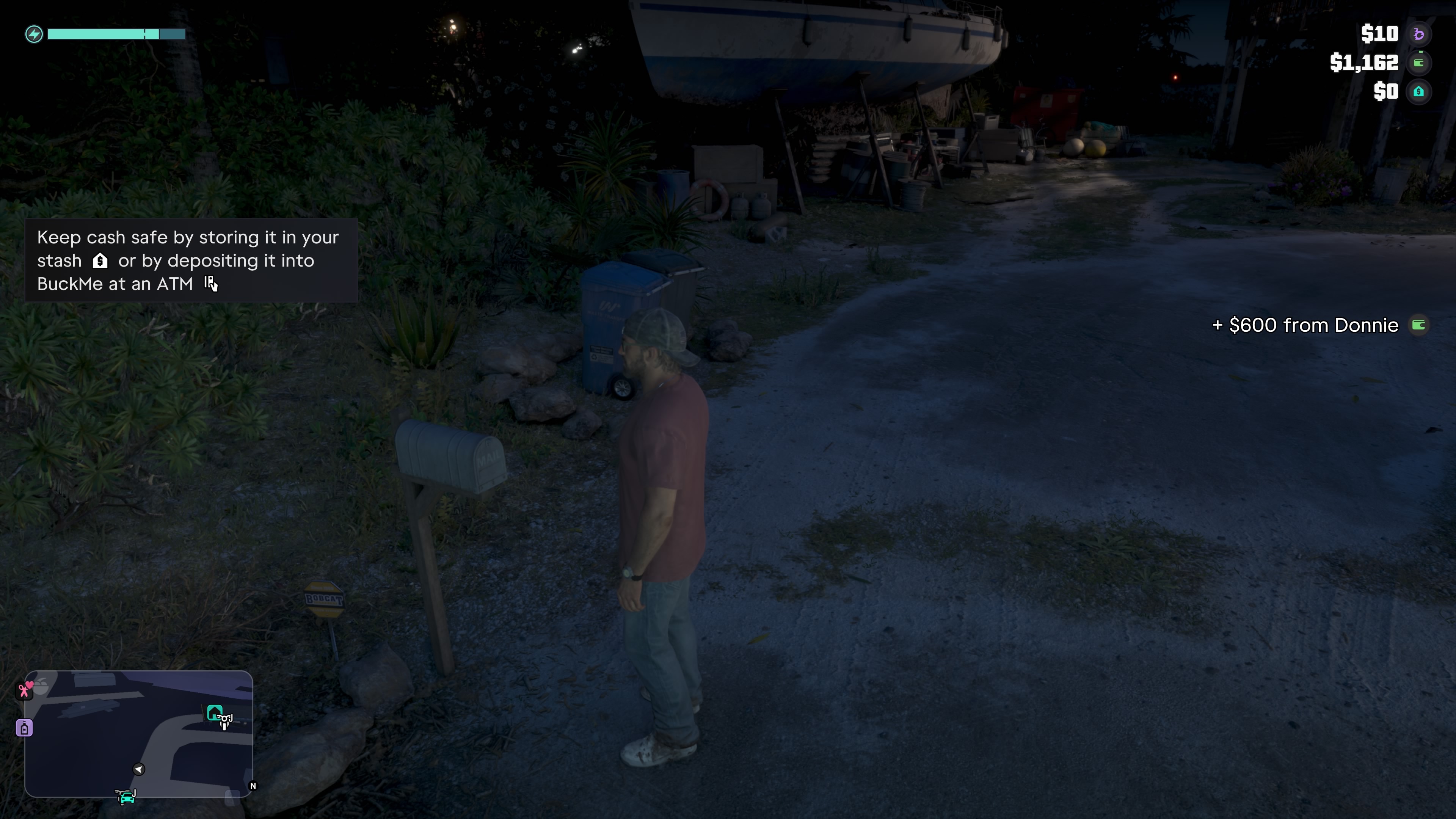
The house is the stash, in the game’s own words. A help text a few minutes later read “Keep cash safe by storing it in your stash or by depositing it into BuckMe at an ATM”, with the house symbol after stash. The purple symbol is BuckMe: in the player’s video below, the purple line moves with the balance in the BuckMe app and with each deposit.
How do you deposit money in GTA 6?
Updated 21 November 2026. At an ATM. In our own game the prompt was ATM on the triangle button, at a machine in a red frame. What comes after the prompt, from our own clips:
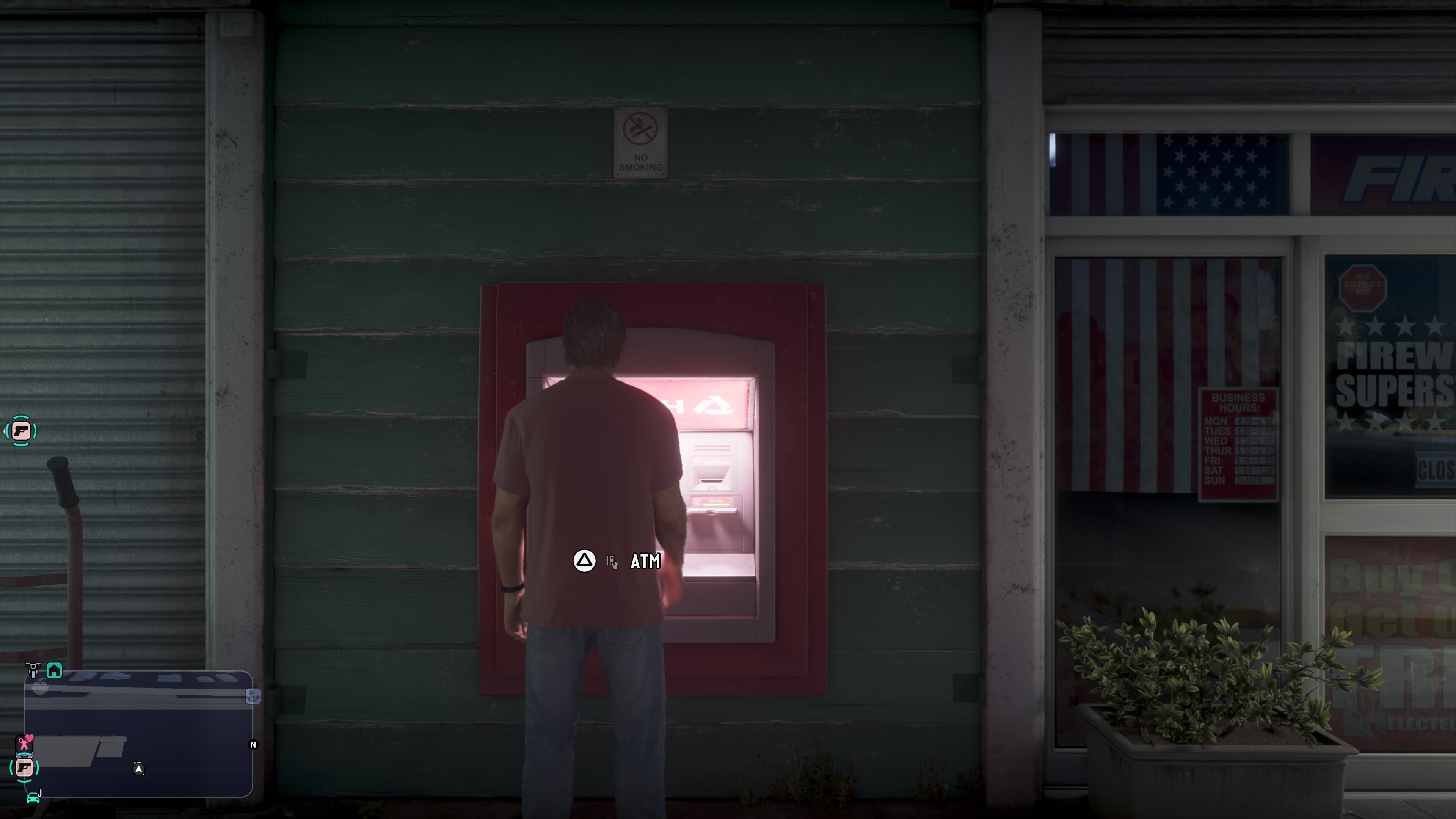
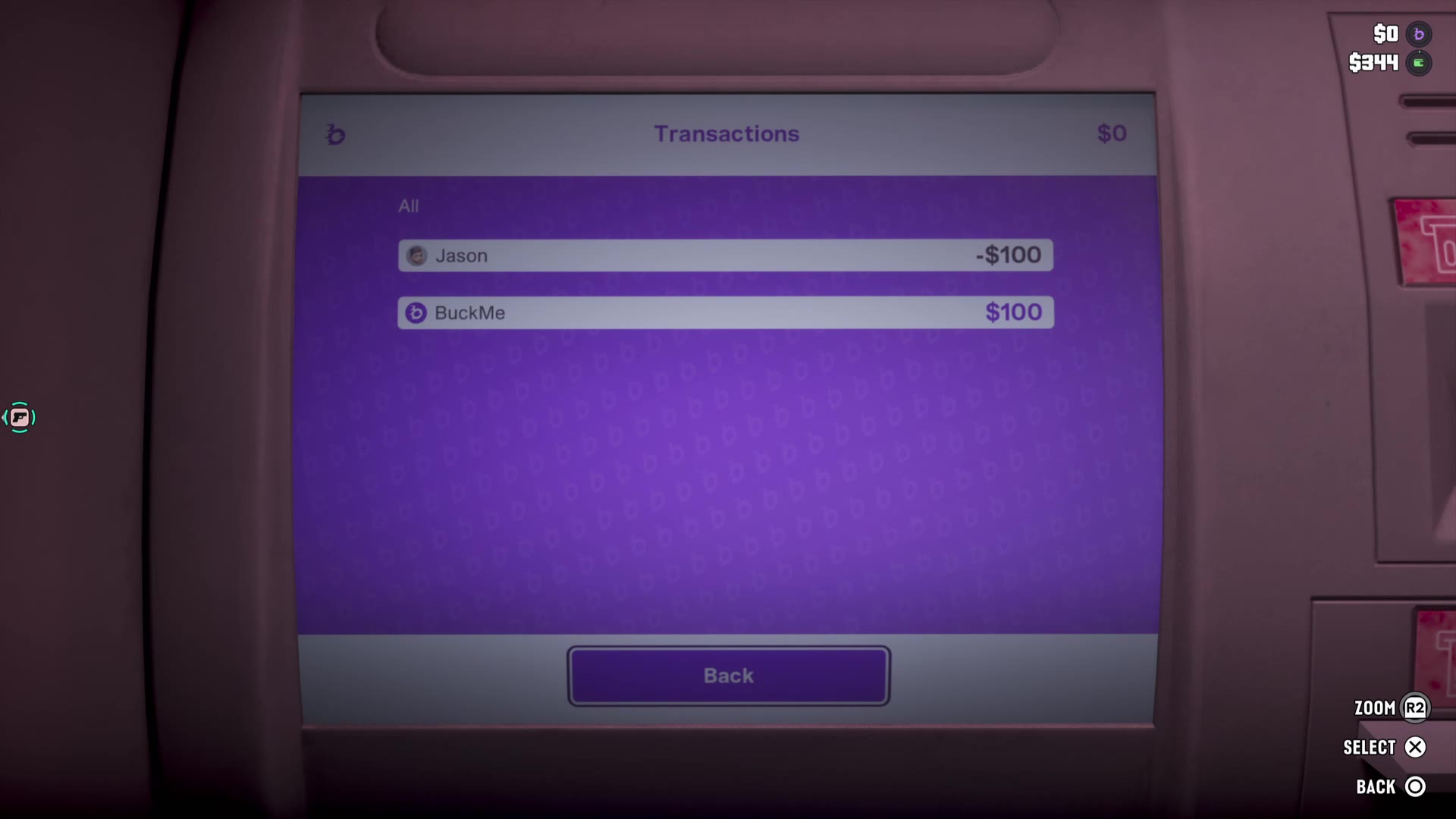
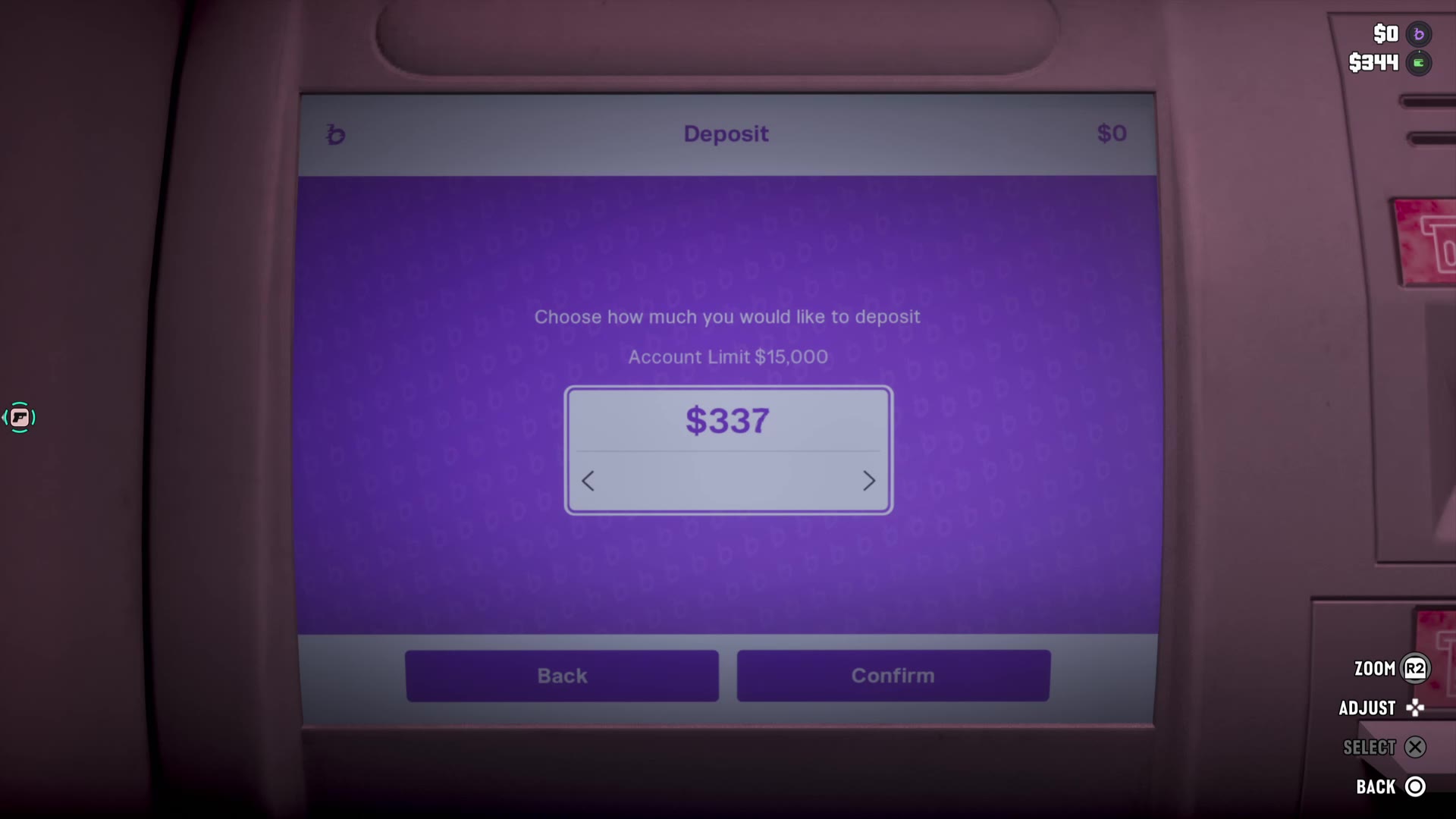
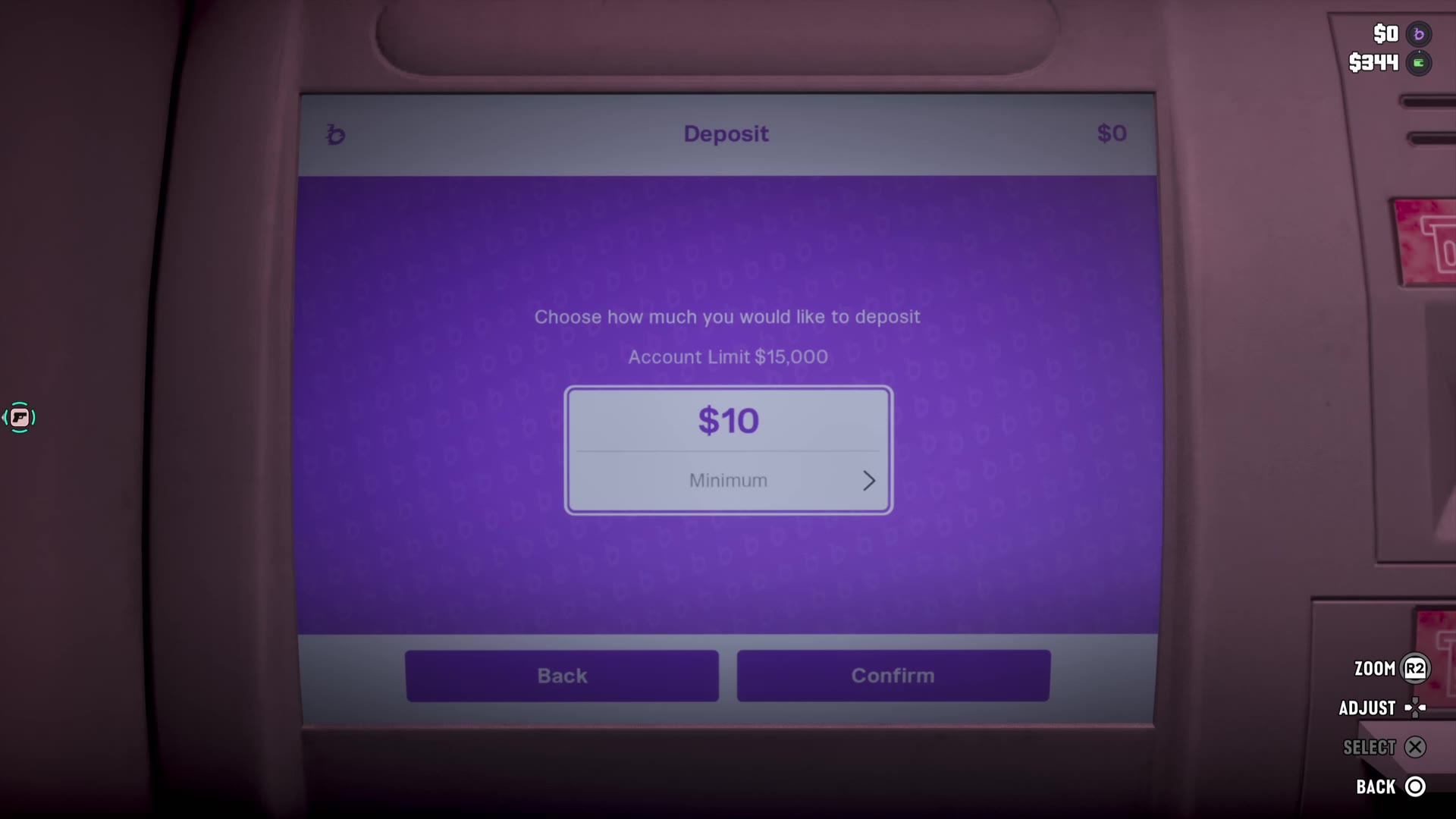
At a machine outside a fireworks shop the screen Your Account showed $0 and offered Deposit, Withdraw, Transactions and Exit, with Withdraw greyed out. Transactions listed two lines, Jason -$100 and BuckMe $100. Deposit asked “Choose how much you would like to deposit” under “Account Limit $15,000”; the amount started at $340 and could be turned down to $10, marked Minimum. After $10 went in, the corner read $10 beside the purple symbol and $334 beside the wallet, down from $344.
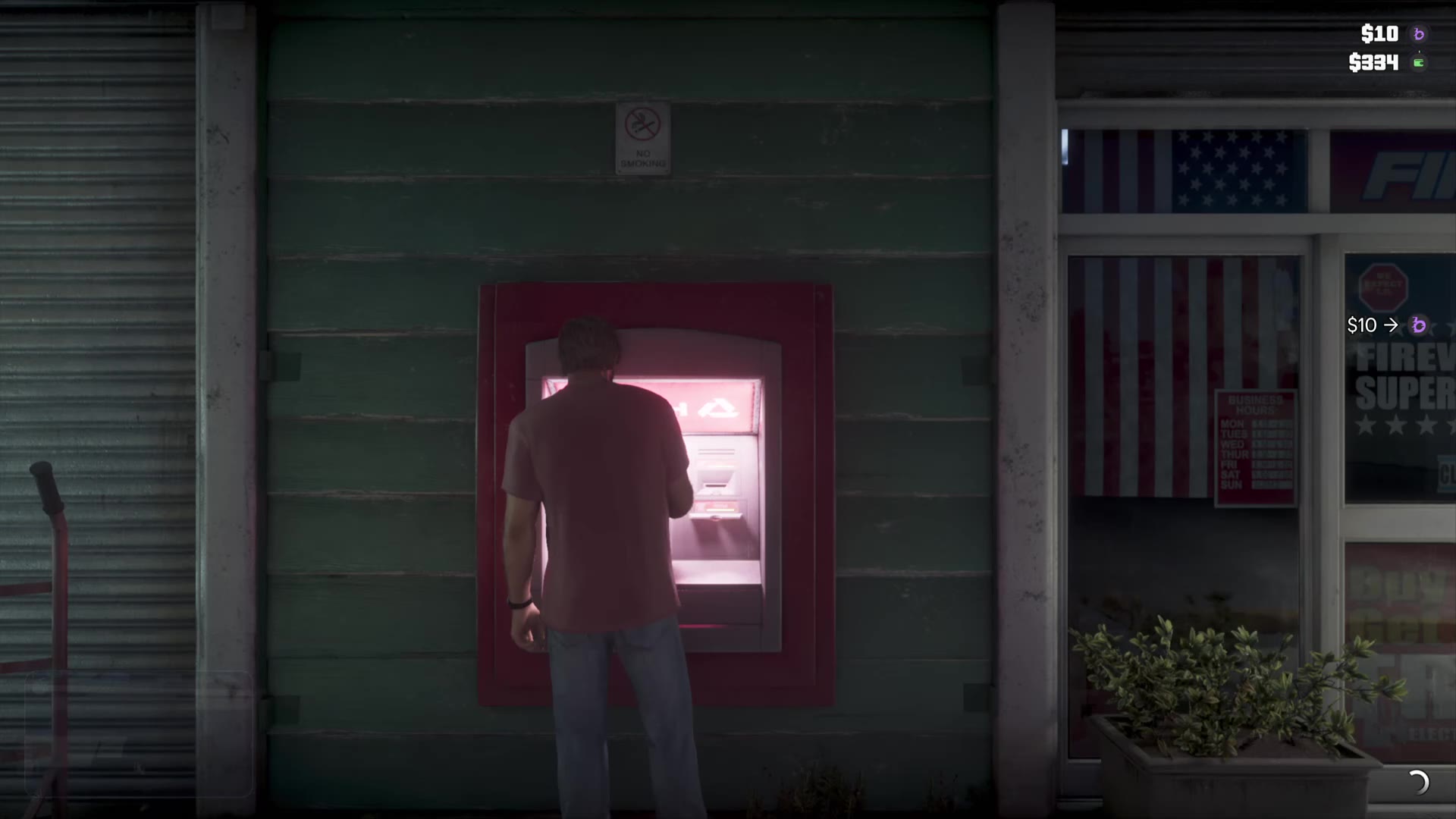
At an ATM inside a 24/7 the whole $2,078 in the wallet went in: afterwards the corner read $2,088 beside the purple symbol and $0 beside the wallet. At the mailbox outside the house a help text reads “Keep cash safe by storing it in your stash or by depositing it into BuckMe at an ATM”.
Where are the ATMs in GTA 6?
Updated 21 November 2026. We used one in a red frame; the player’s video uses one in the wall of a Fleeca branch. The phone can find the nearest one.
Reported by players One player’s video, the same one, shows the BuckMe app on the phone with a Checking Account card with $366, a Family Savings card with $100 and “$4,900 to next goal”, an ATM Finder with Set Destination, and two questions under FAQs: “How do limits work?” and “When will my account upgrade?”. (Chad Reddings)
What does “Requires a bank account” mean in GTA 6?
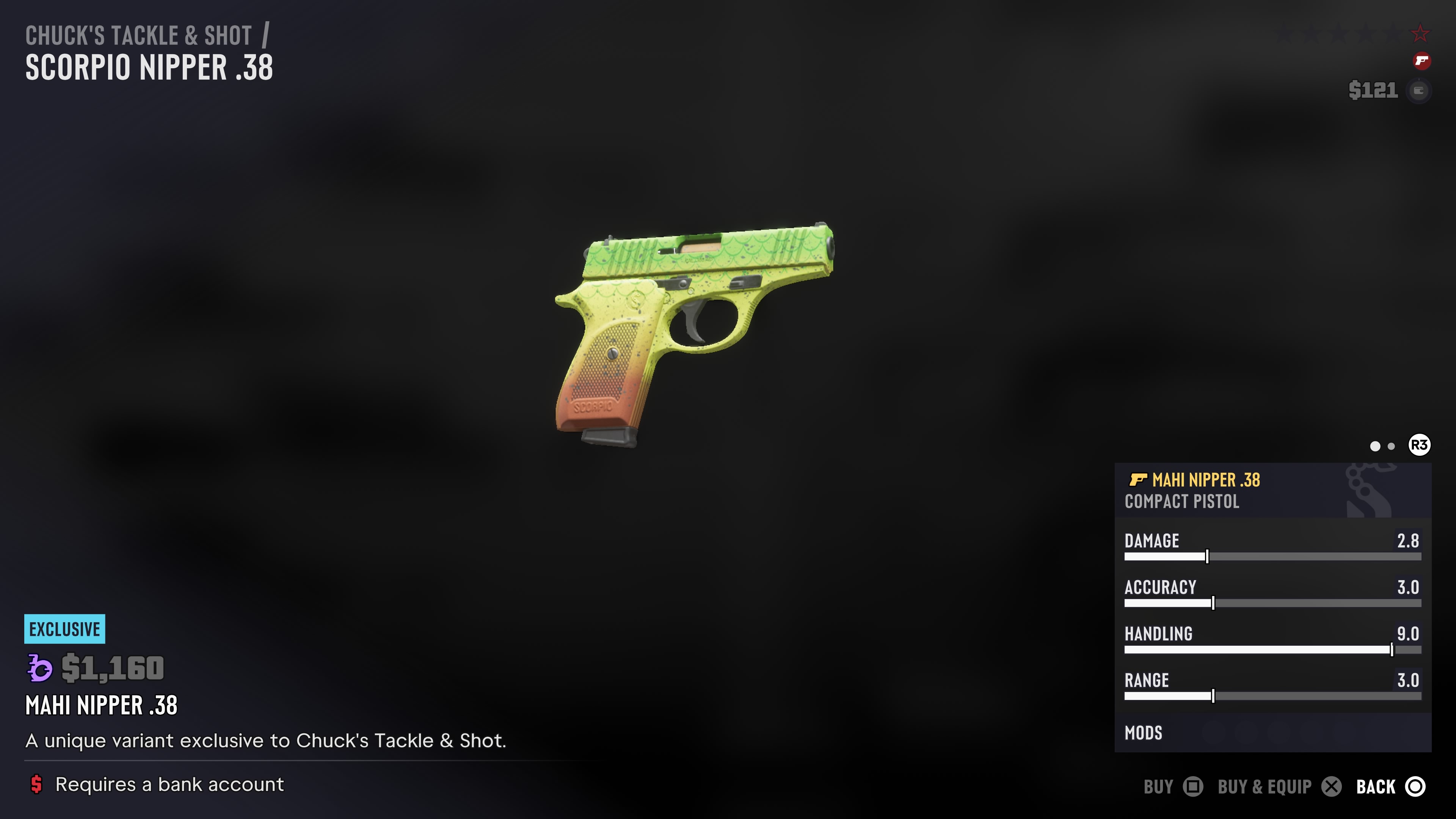
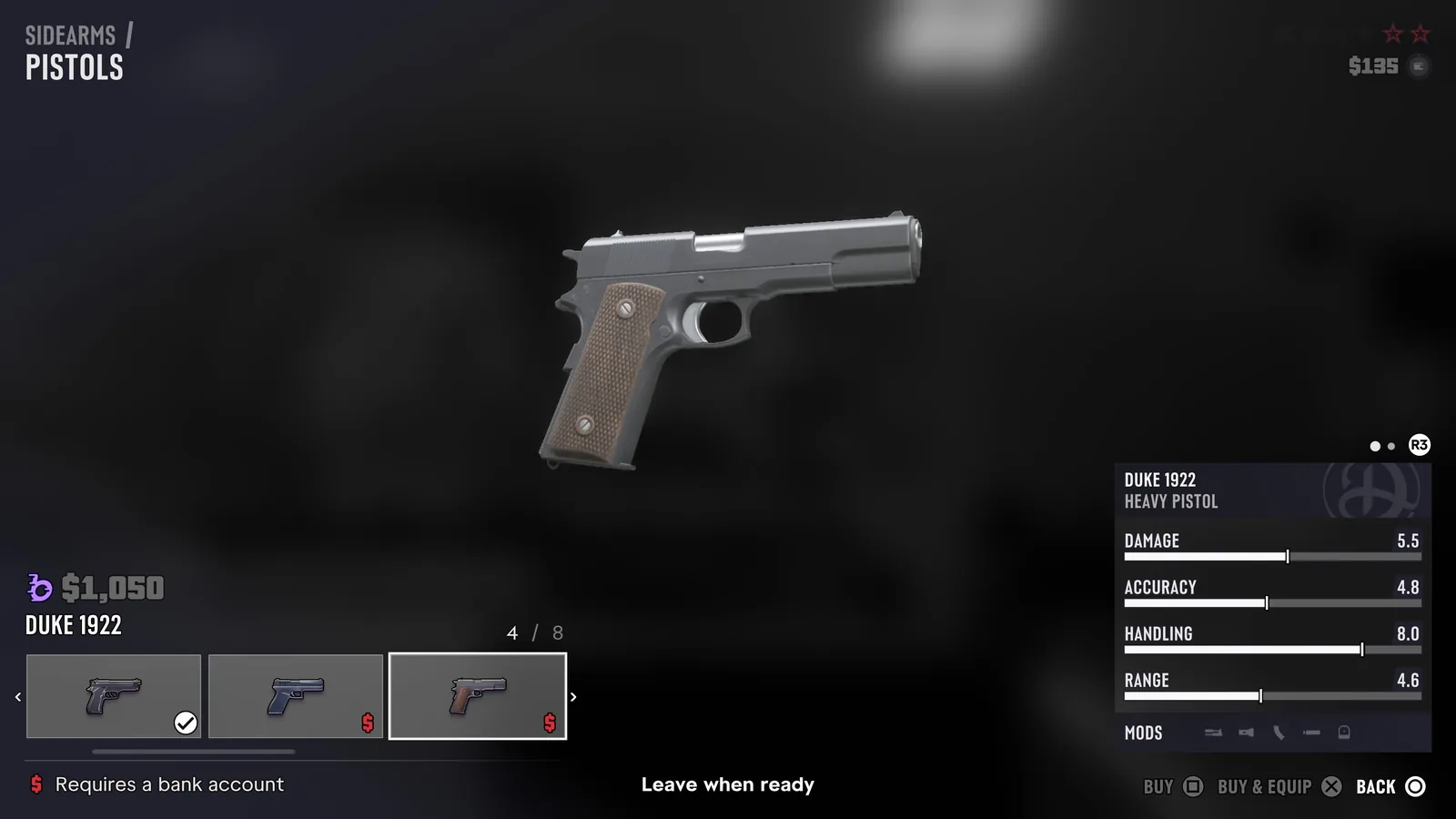
Updated 21 November 2026. It is the line under prices that carry only the purple BuckMe symbol, not the green cash wallet. In our own game the shop menus put one of two symbols beside a price: the green wallet, or the same purple symbol as the BuckMe line at the top right. Every item with only the purple symbol that was in stock and unlocked carried the line “Requires a bank account”.
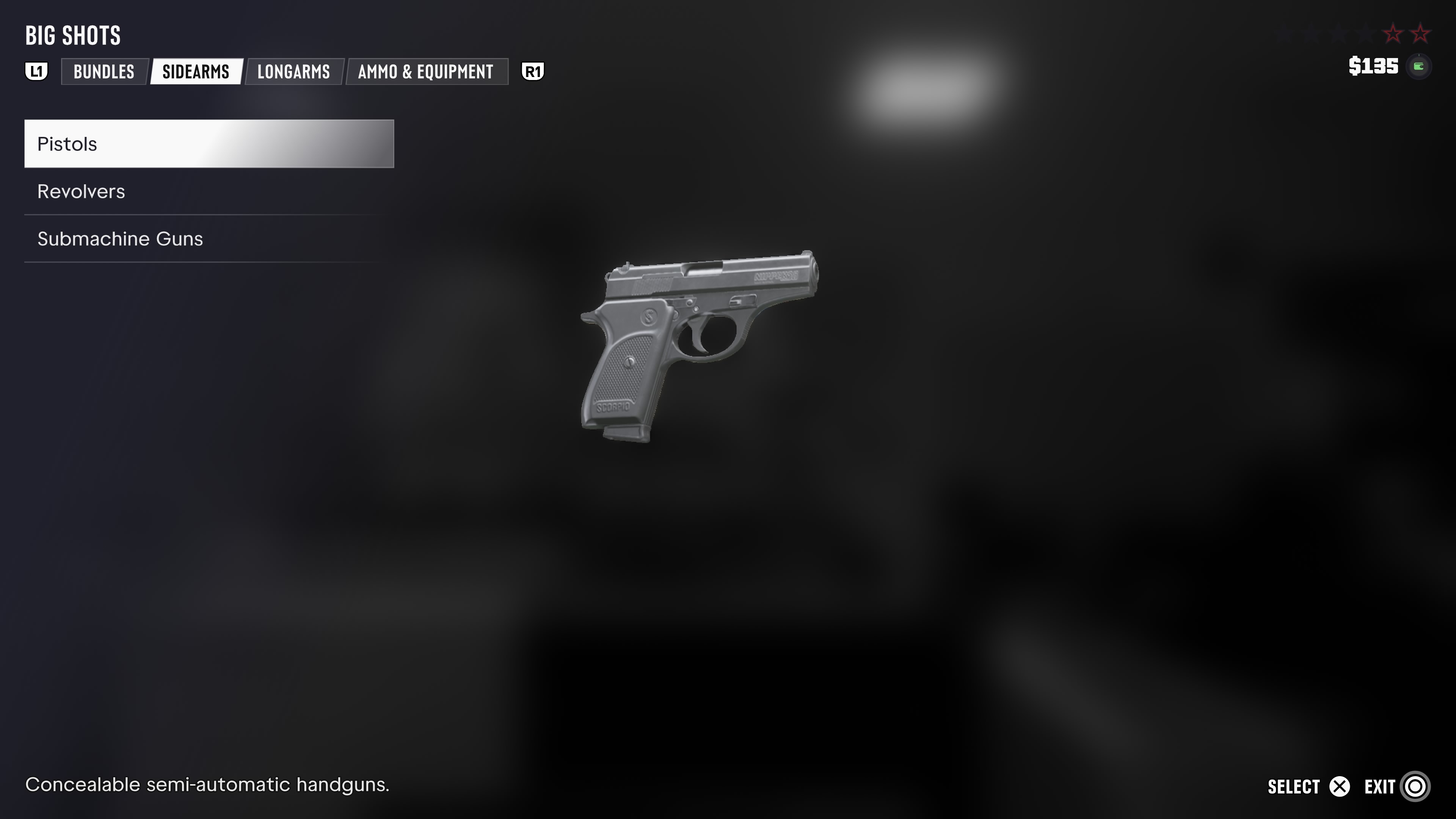
- Guns: at Big Shots the Duke 1922 pistol at $1,050, the Shrewsbury Drifter and Hobo, the Duke 556 and the Wortham W-14, plus the Sand Storm ES9 variant; at Chuck’s Tackle & Shot the Mahi Nipper .38 variant. All ammunition and every blade carried the wallet. The weapons list has every gun with its symbol.
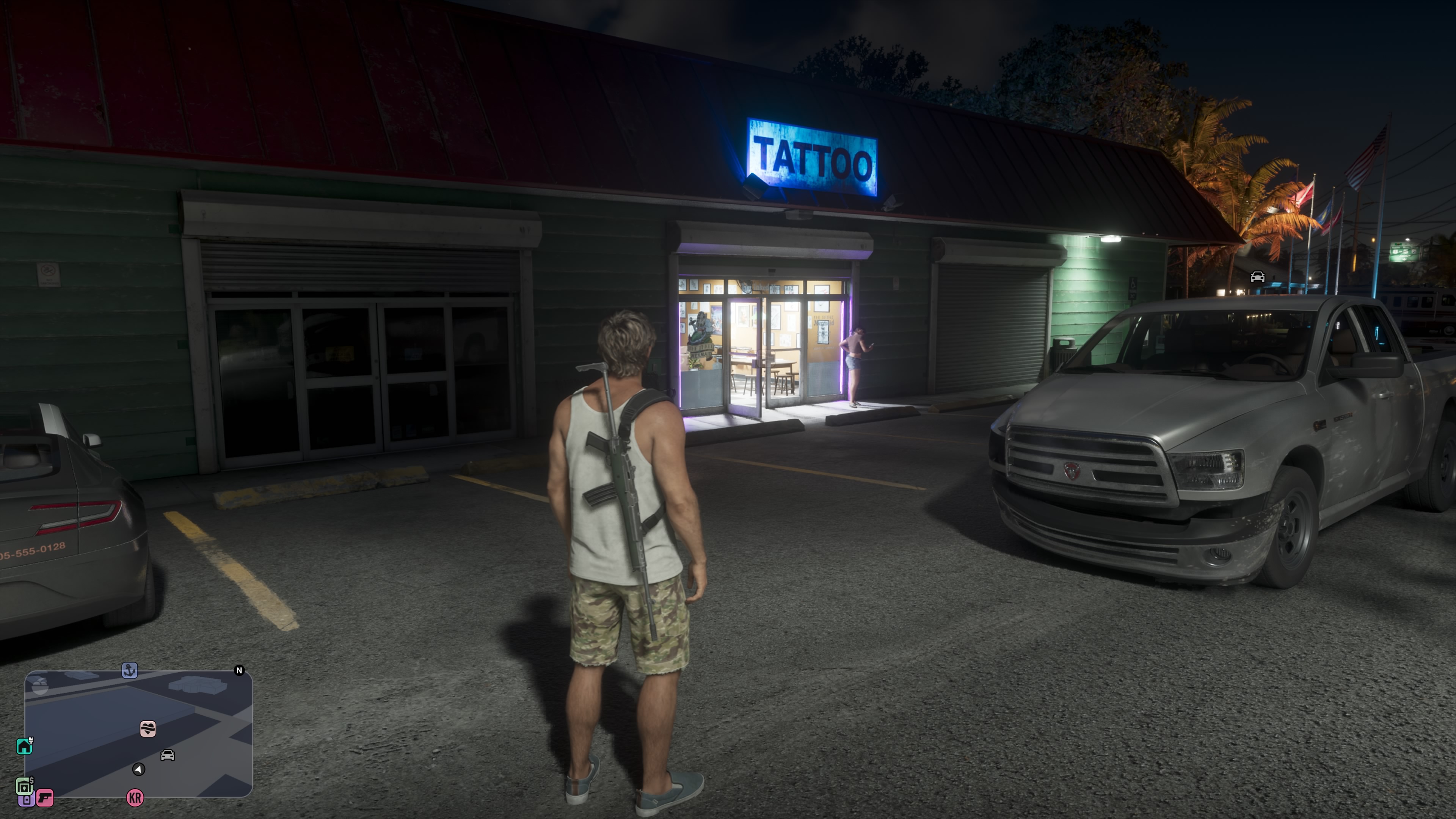
- Tattoos: at The Inked Mermaid all 15 tattoos from $1,355 up, with the Buy prompt greyed out; every tattoo up to $810 had the wallet. The tattoo guide has the list.
What we do not know
- Whether opening the account through Set Up Bank Account lets you buy the guns and tattoos marked “Requires a bank account”, and whether the BuckMe balance has to cover the price.
- What Withdraw does once there is money in the account, and how the account upgrade in the app’s questions works.
- What Family Savings is for.
- Whether cash in the stash or in BuckMe is safe when you are Wasted or Busted; losing the police has what we saw of Wasted and Busted.
Where this comes from
Every claim above rests on one of these. Anything marked the platform holder is Sony or Microsoft describing their own store or hardware, not Rockstar. Anything marked reported is somebody else telling us what Rockstar said, and is treated as weaker than Rockstar saying it. Anything marked our own play is something we saw ourselves in the game, on the console and version named; the link goes to the screenshot or clip.
- GTA Playbook — own game, PS5: the Set Up Bank Account mission on the map, a Fleeca branch, the money corner, an ATM and the stash help text
- Player capture: the BuckMe app and an ATM deposit at a Fleeca branch, Chad Reddings on YouTube
- GTA Playbook — own game, PS5: the full menu of Big Shots
- GTA Playbook — own game, PS5: Mahi Nipper .38, exclusive at Chuck's Tackle & Shot
- GTA Playbook — own game, PS5: tattoos and piercings at The Inked Mermaid, with prices
- GTA Playbook — own game, PS5: BuckMe at two ATMs: Your Account, Transactions and two deposits
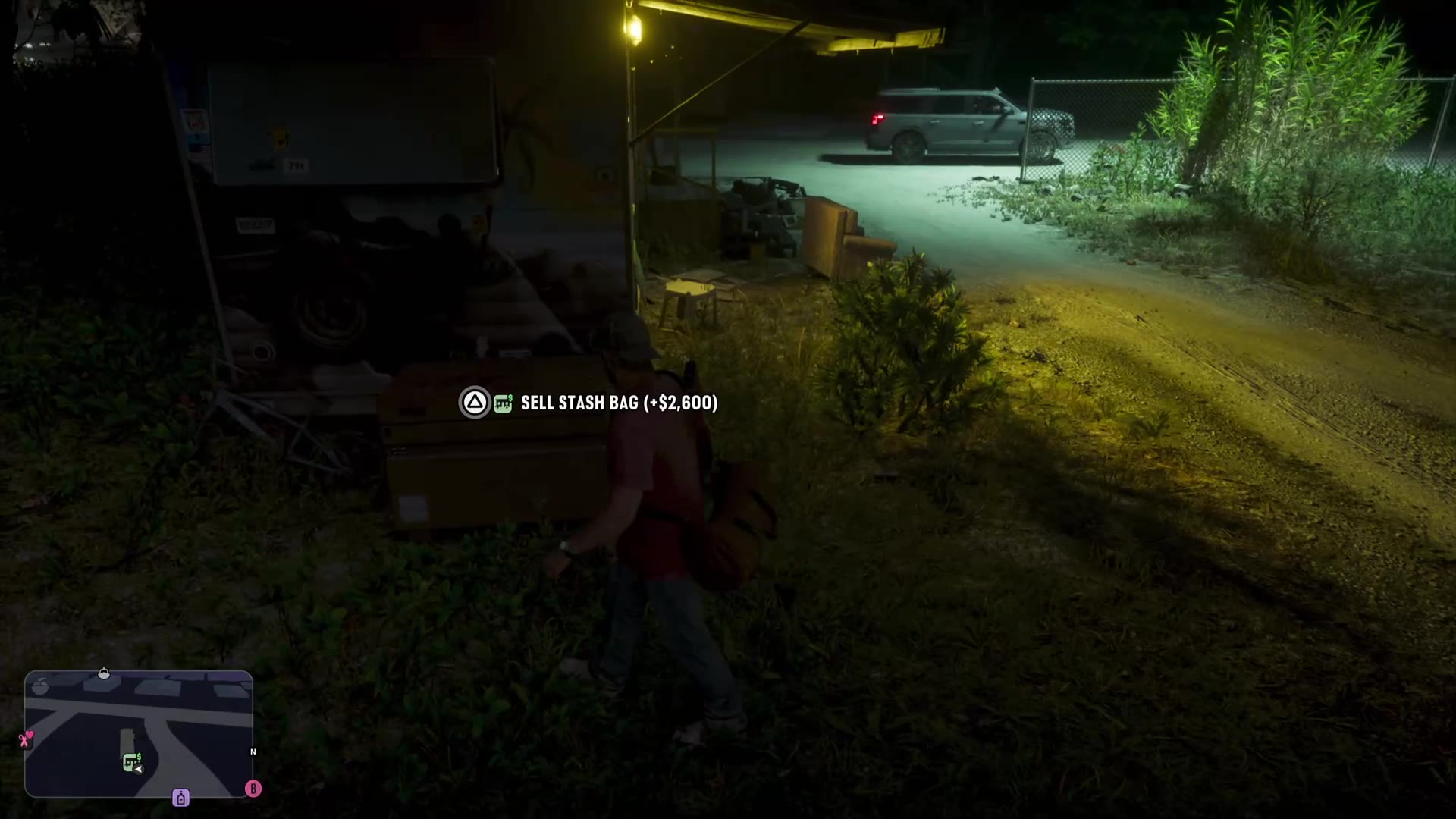
- GTA Playbook — own game, PS5: a sale at Donnie's Trailer and $600 in the mailbox