Gameplay
Masks and disguises
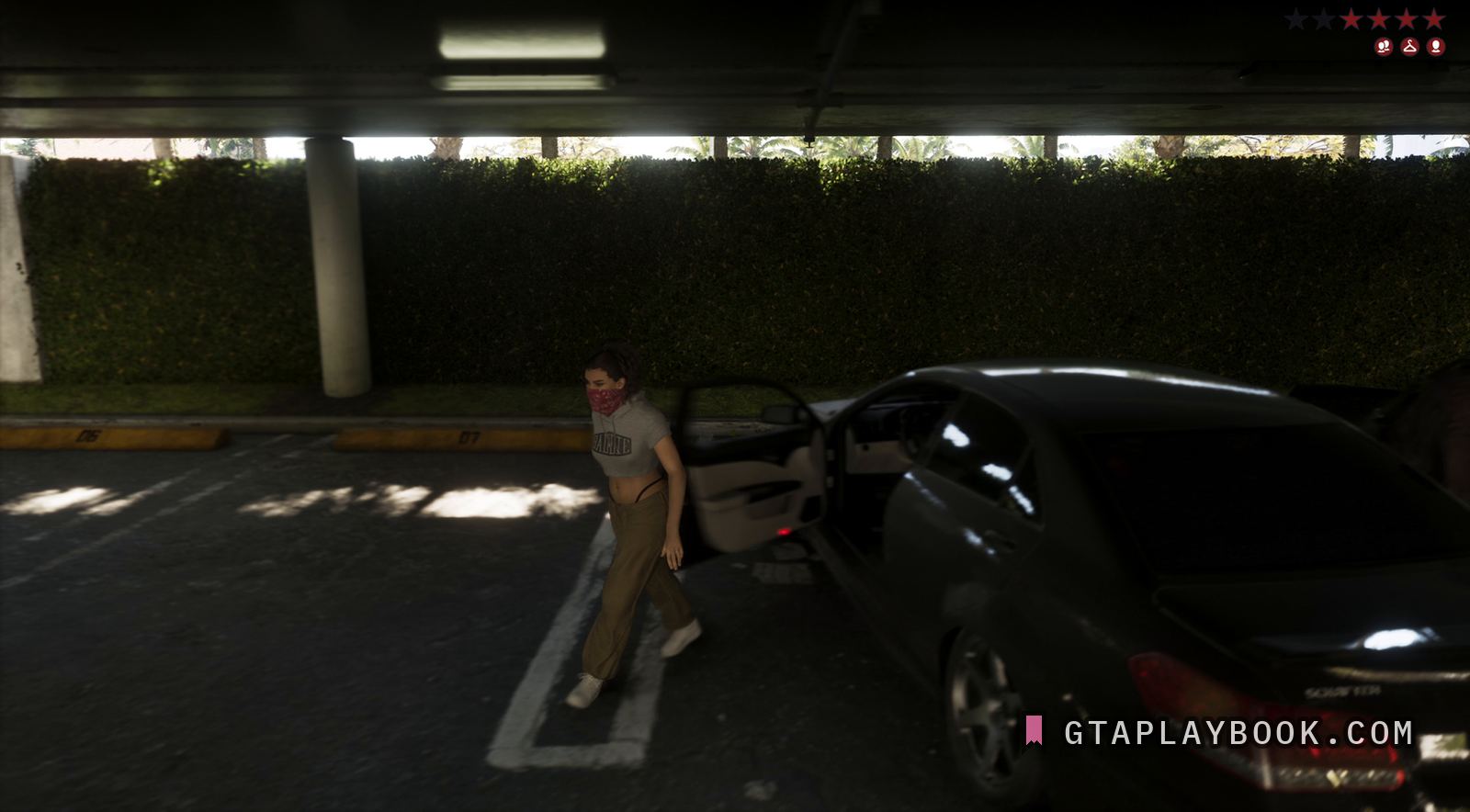
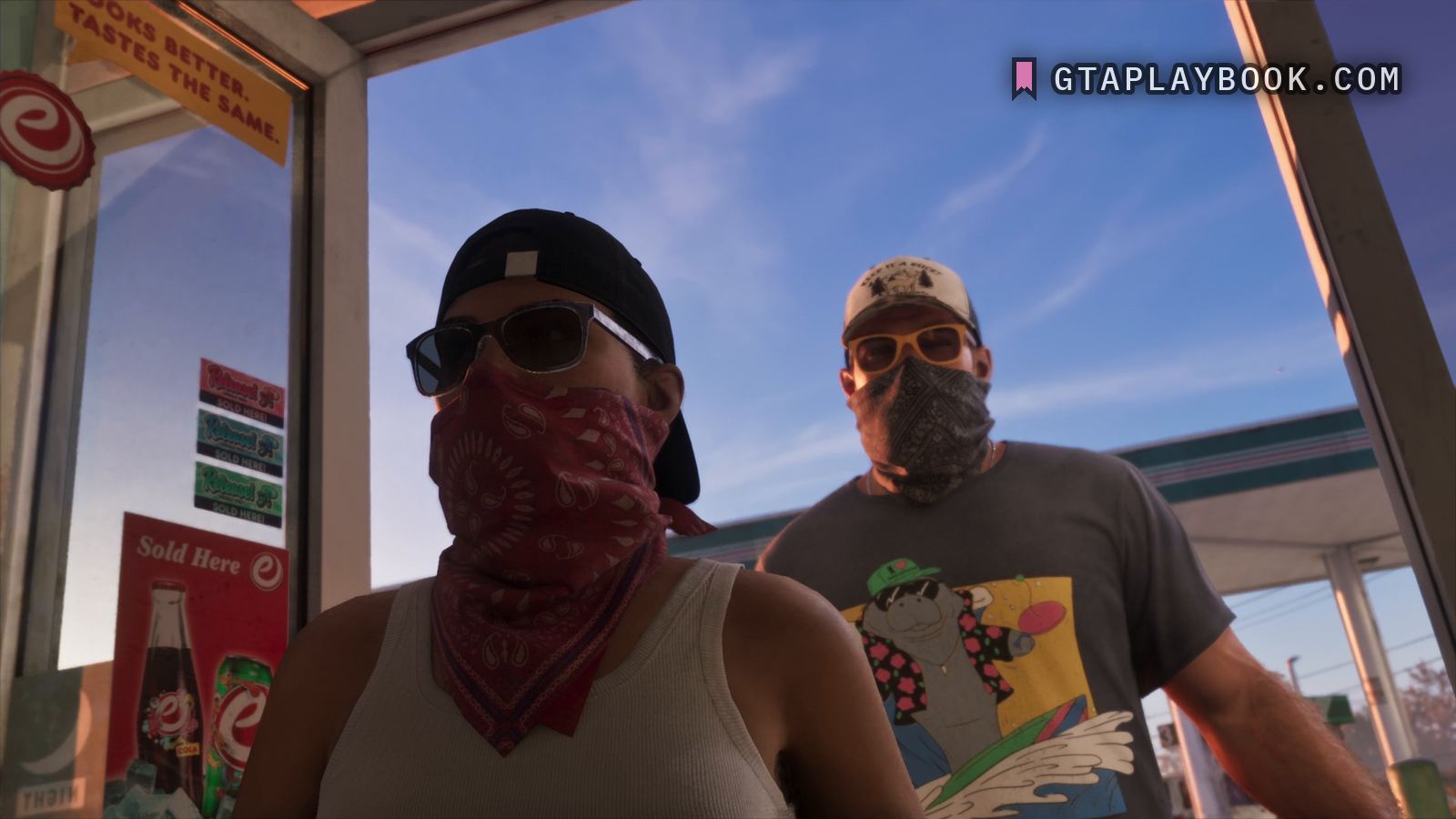
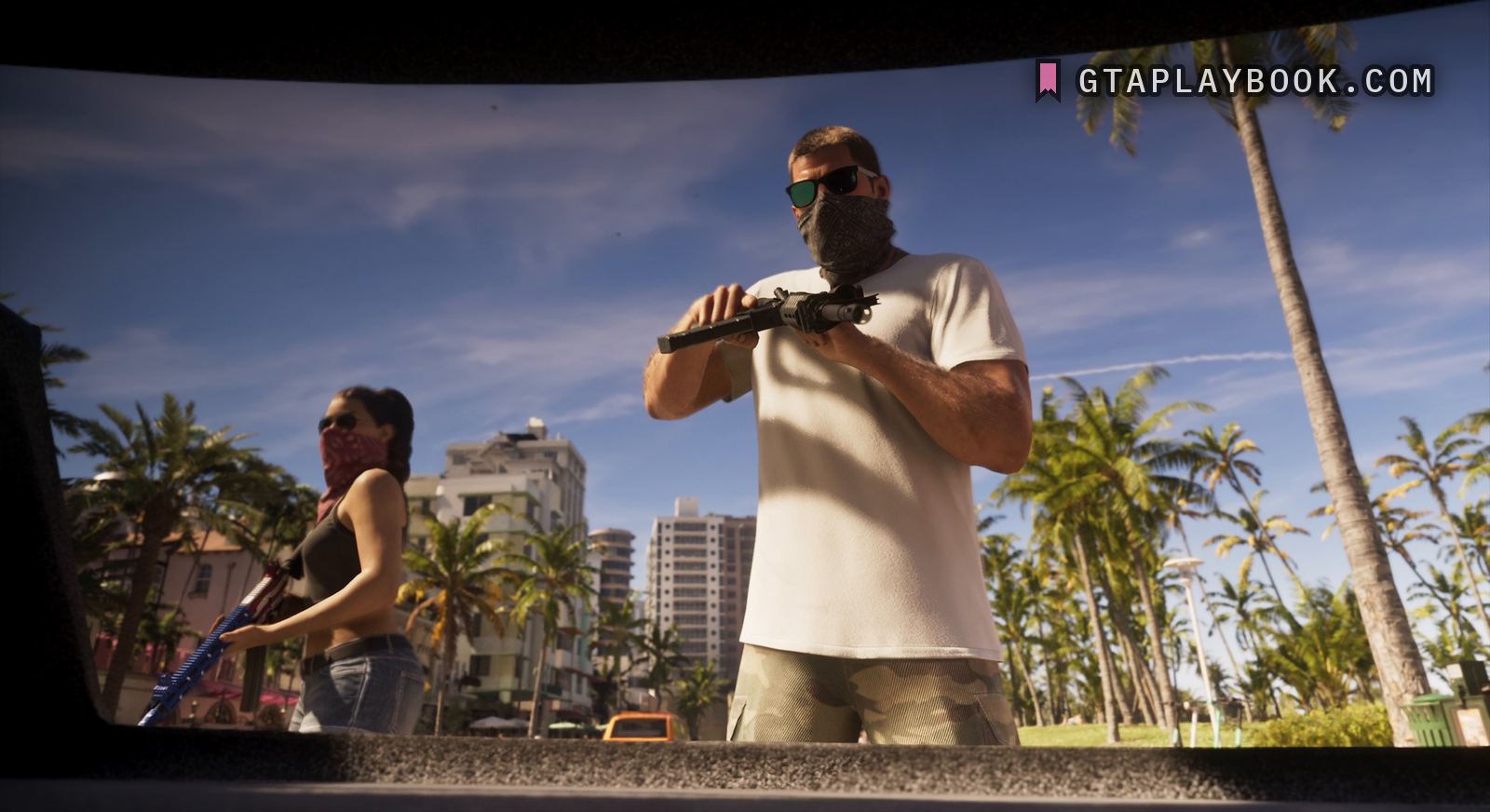
A bandana worn over the face, three times: by a woman during a getaway at 15:57, with three icons under the wanted stars; by a woman and a man at a petrol station kiosk at 12:01; and by an armed pair seen from inside a car boot at 9:10, with no HUD on screen in either. The only disguise this material actually shows in play.
In the frame at 15:57 of the Extended Look a woman is mid-stride beside a black car in a covered car park, its door still open, with a red paisley bandana pulled up over her nose and mouth. Top right sit six star positions with four of them lit red, and beneath them three red icons: two figures, a clothes hanger, a face. There is no car among them; earlier in the video the same row carries a fourth icon, a car.
The Extended Look shows the same covering a second time, four minutes earlier and with no HUD on screen. At 12:01 a woman and a man stand at a petrol station kiosk, filmed from below, each with a paisley bandana pulled up over nose and mouth: on the left the woman, in a backwards black cap, dark sunglasses and a white ribbed vest, with a red bandana; on the right the man, in a trucker cap and yellow-framed glasses, with a grey one and a cartoon manatee in a Hawaiian shirt on his T-shirt. The kiosk glass beside them carries three Release! stickers, each with a mushroom, an eCola poster reading Sold Here, and a yellow board at the top whose lower line reads TASTES THE SAME. The arc of text on the trucker cap, with a deer between two trees beneath it, does not read whole. Here the covering is on before anything has happened on screen: no stars, no icons, two faces already hidden.
A third sighting comes at 9:10, framed by the dark edges of an opening that reads as a car boot: two people stand over it in daylight against a row of palms and a strip of pastel buildings, both masked before anything has happened. The man has a grey paisley bandana up to his green-mirrored sunglasses, a white T-shirt and camouflage shorts, and holds a black machine pistol with a compensator across his chest; the woman beside him wears a red paisley bandana under her sunglasses, a black vest and denim shorts, and carries an assault rifle in a stars-and-stripes finish. No HUD is on screen here either.
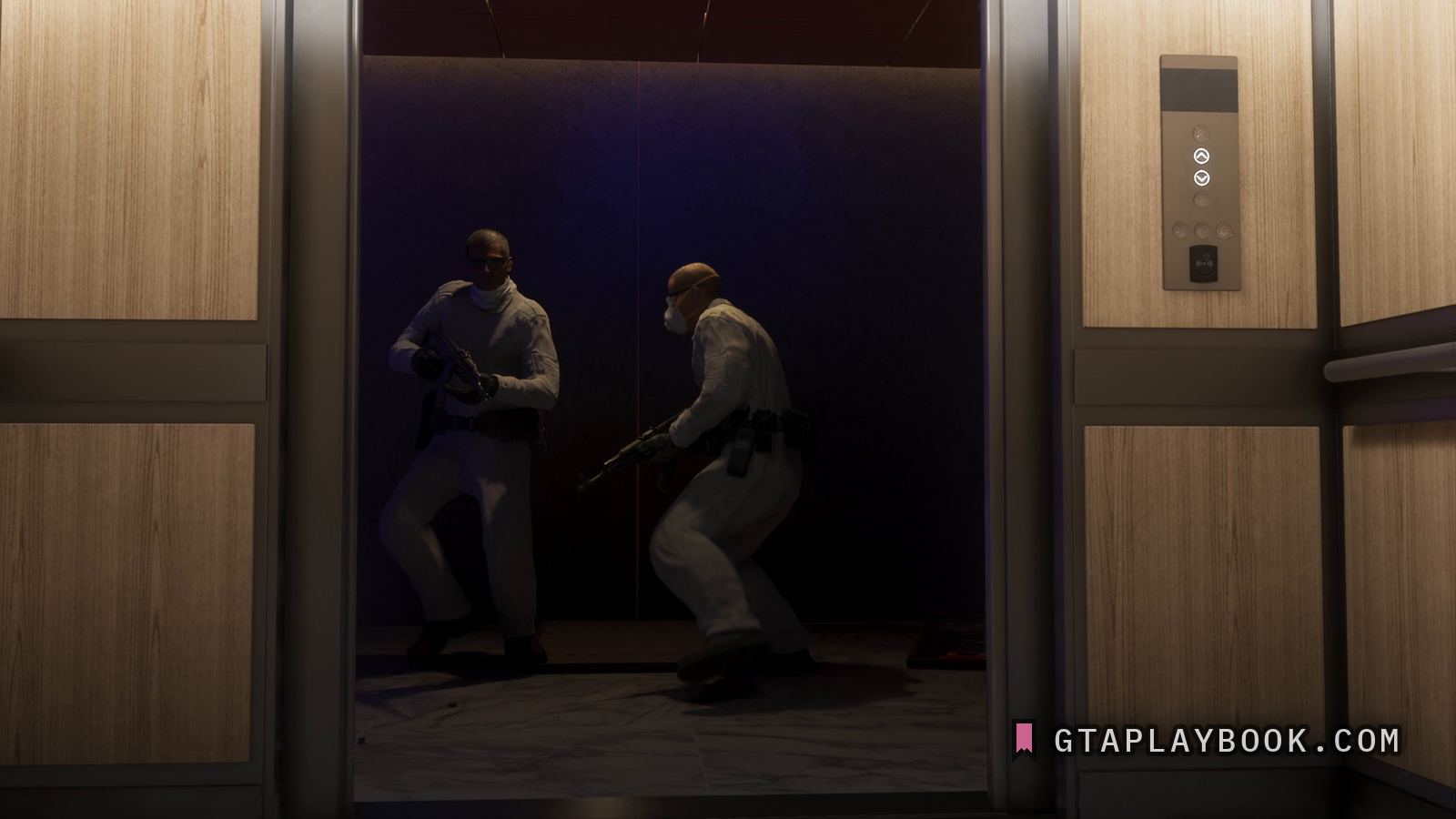
A different covering turns up in the raid near the end of the video. In the Extended Look at 24:10 two men in matching white coveralls step out of a lift with rifles, black belts and holsters: one wears a white dust mask on yellow straps over his nose and mouth with glasses above it, the other is barefaced behind dark glasses, a white collar pulled up round his neck. Whether the coveralls and the mask are a disguise or kit for the job, the frame does not say.
What is not here is a screen. Until 20 September 2026 this page described an items tab of the weapon wheel with face wraps and masks on it. Checked against every Extended Look frame we hold, that screen is in none of them; the frame the page was built on is the weapons tab, which now belongs to the weapon wheel. Until 22 September the first line above still carried that frame’s time, 17:50, and not 15:57.
So the argument stands on what is left: a face covering worn deliberately, and a wanted block that carries a face icon and a clothing icon next to one of two figures. That is enough to say the game keeps track of what you look like. It is not enough to describe the screen you change it on.
The series has done a smaller version of this. In GTA 5 a mask was something you bought at a beach stand, and putting one on or taking it off while the police were searching for you took a star off the wanted level. A face icon and a clothing icon in the wanted block read as that idea drawn onto the HUD and widened to the whole outfit. The frames cannot say how far it goes.
How to recognise it
- A red paisley bandana pulled up over the nose and mouth during a getaway
- Six star positions, four lit red
- Three red icons under the stars: two figures, a clothes hanger, a face
- No car icon in the row at 15:57
- A woman and a man at a petrol station kiosk at 12:01, red and grey paisley bandanas over nose and mouth, no HUD on screen
- A masked pair at 9:10, seen from inside a car boot: grey and red paisley, both armed, no HUD
- Matching white coveralls on two armed men at 24:10, one of them in a dust mask on yellow straps
The frame it comes from
The frame is Extended Look at ~15:57.71. It is 3840 by 2160, and the subject occupies 3840 by 2160 of it.
How this was measured
| Source | Extended Look, ~15:57.71 |
|---|---|
| Frame | 3840 × 2160 |
| Crop | 3840 × 2160 — the whole frame |
| Image check | 24 September 2026 — crop checked against the frame |
| Text check | 27 September 2026 — 81 claims read against the image, 7 corrected |
| Read at | the true pixel grid, 1:1 |
| Lettering | Letter height | Contrast | Reads |
|---|---|---|---|
| Release! | 40 px | — | every character |
| SOLD HERE! under Release! on each of the three stickers | 20 px | — | no |
| TASTES THE SAME. | 35 px | — | every character |
| Sold Here | 45 px | — | every character |
| the arc of text on the trucker cap, with a deer between two trees under it | 9 px | — | no |
These figures come from the dataset, not from the prose above. We measure everything and claim what counts. How we work
What we still do not know
- What the screen for changing a disguise looks like. We have described one and cannot find it in any frame we hold.
- Whether a face covering actually removes the face icon, or only the outfit removes the clothing icon
- Whether the white coveralls and the dust mask in the raid at 24:10 count as a disguise to the game
Every frame we have
More gameplay from the footage
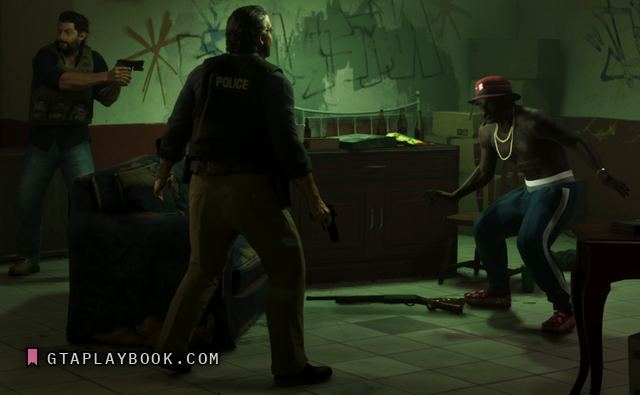
Extended Look · snt-00336 · 5:08.07 · usable frame
Police on foot
Extended Look · snt-00185 · 18:32.64 · placeholder frame
The challenge HUD
Extended Look · snt-00104 · 15:49.90 · placeholder frame
The minimap
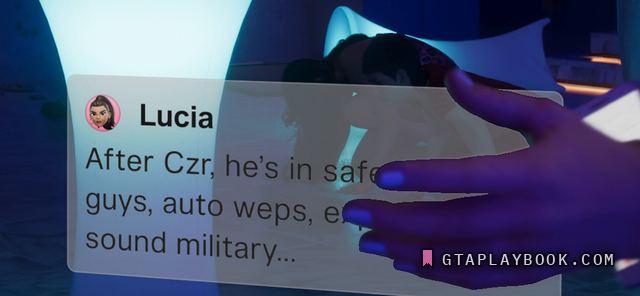
Extended Look · snt-00169 · ~23:57.77 · usable frame
The phone
Extended Look · snt-00171 · ~17:43.05 · usable frame
The race HUD

Extended Look · snt-00287 · 14:00.07 · placeholder frame
The wanted system