Gameplay
Interaction prompts
Not every prompt in GTA 6 sits in a corner. Some of them float on the thing itself: KNOCK, drawn on the door you are standing at. Others stack up at the bottom right of the screen, and one of those names the person it is for.
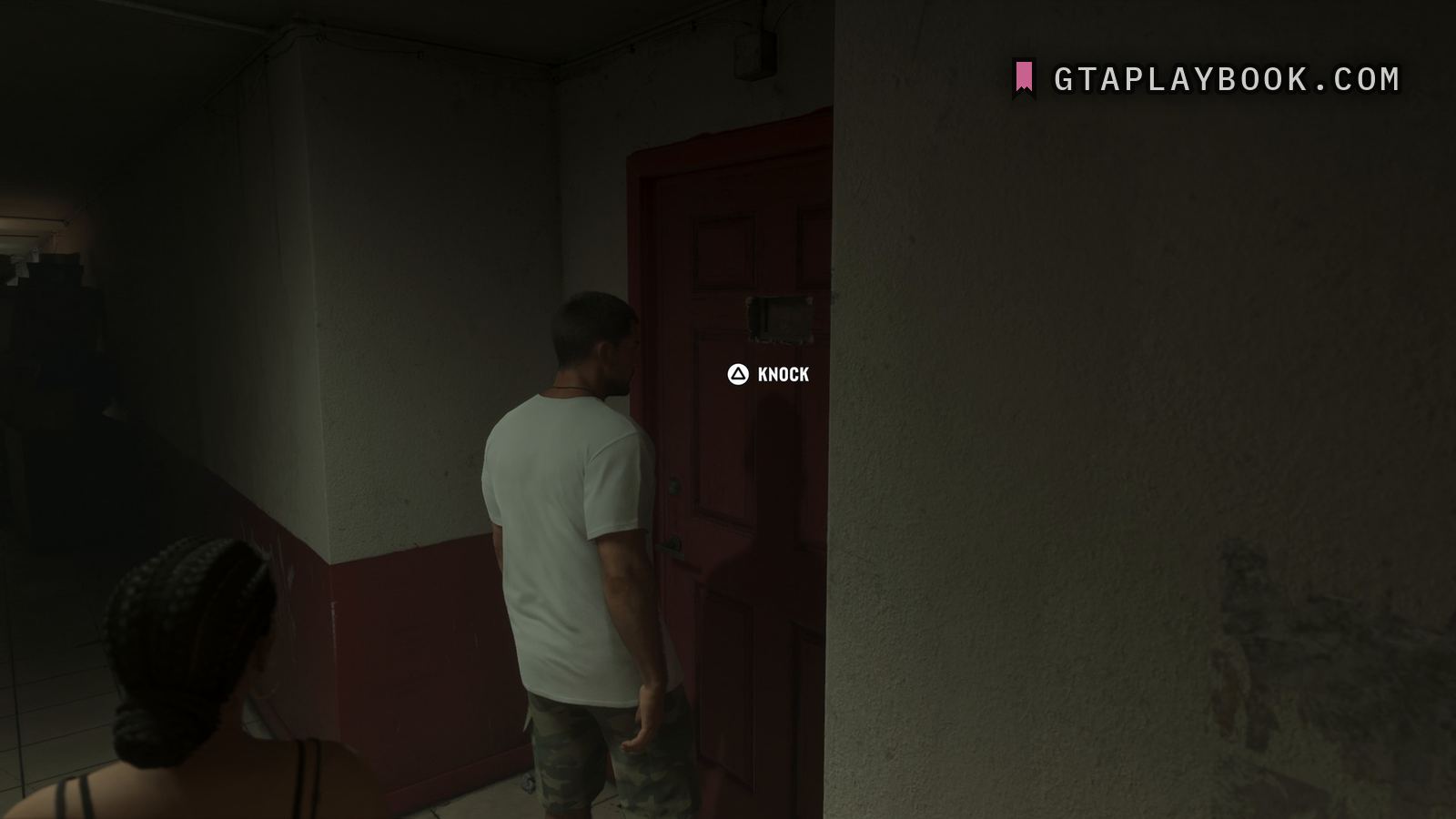
At 2:14 of the Extended Look a triangle glyph and the word KNOCK appear over the red door the player is facing, rather than in a corner of the screen: a man in a white T-shirt stands at a red panelled door with a rough-edged hatch cut in it, the handle and a lock below the label. It sits in world space and it is small, though it reads cleanly on the true pixel grid.
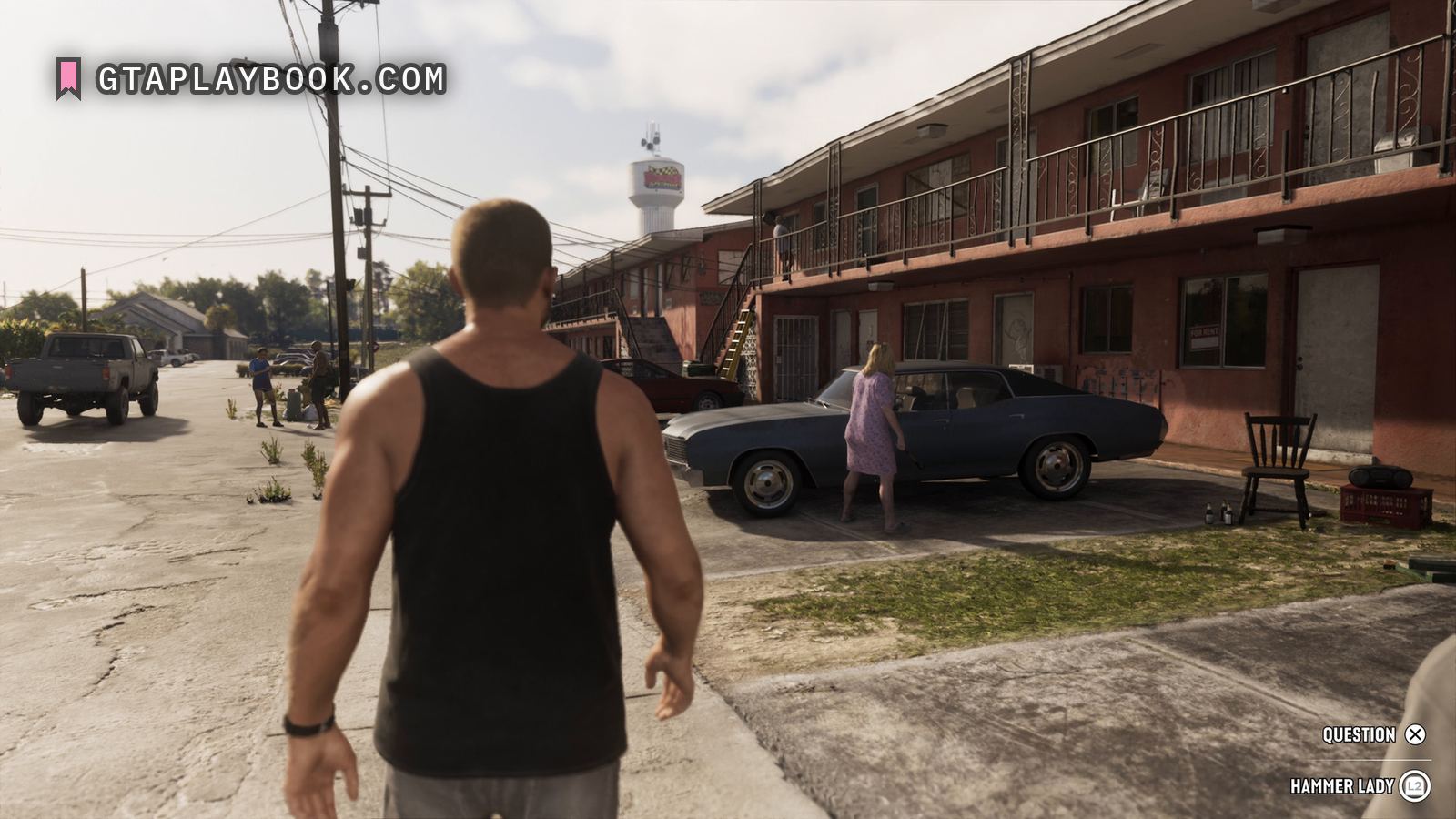
The other three frames on this page show the corner style, a short list at the bottom right with a button beside each line. At 9:14 it offers QUESTION beside a cross in a circle and, under a thin rule, HAMMER LADY beside L2 in a ring: a prompt that names a person, the woman in a lilac dress standing at a blue hardtop in the same frame with a hammer in her hand.
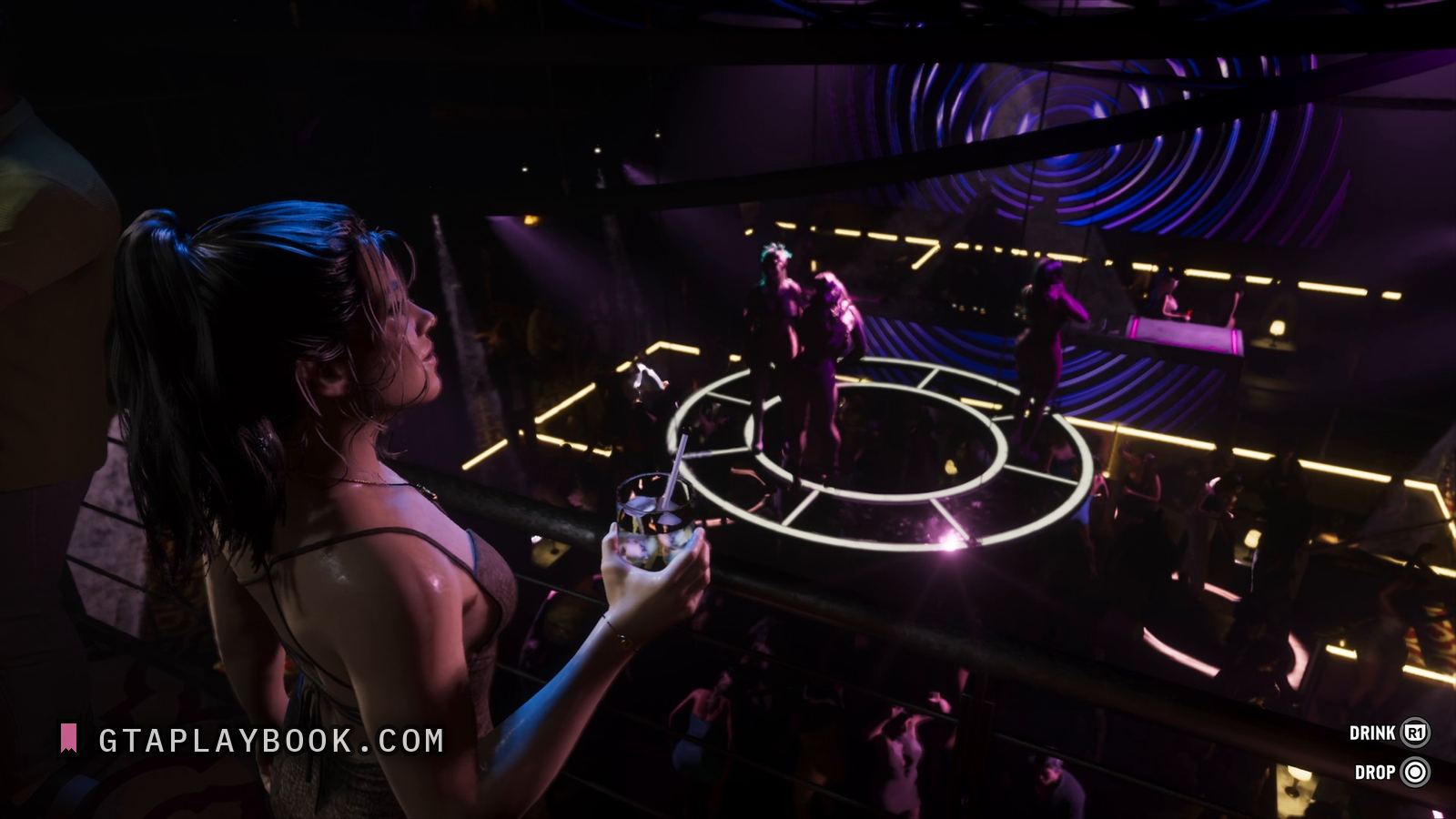
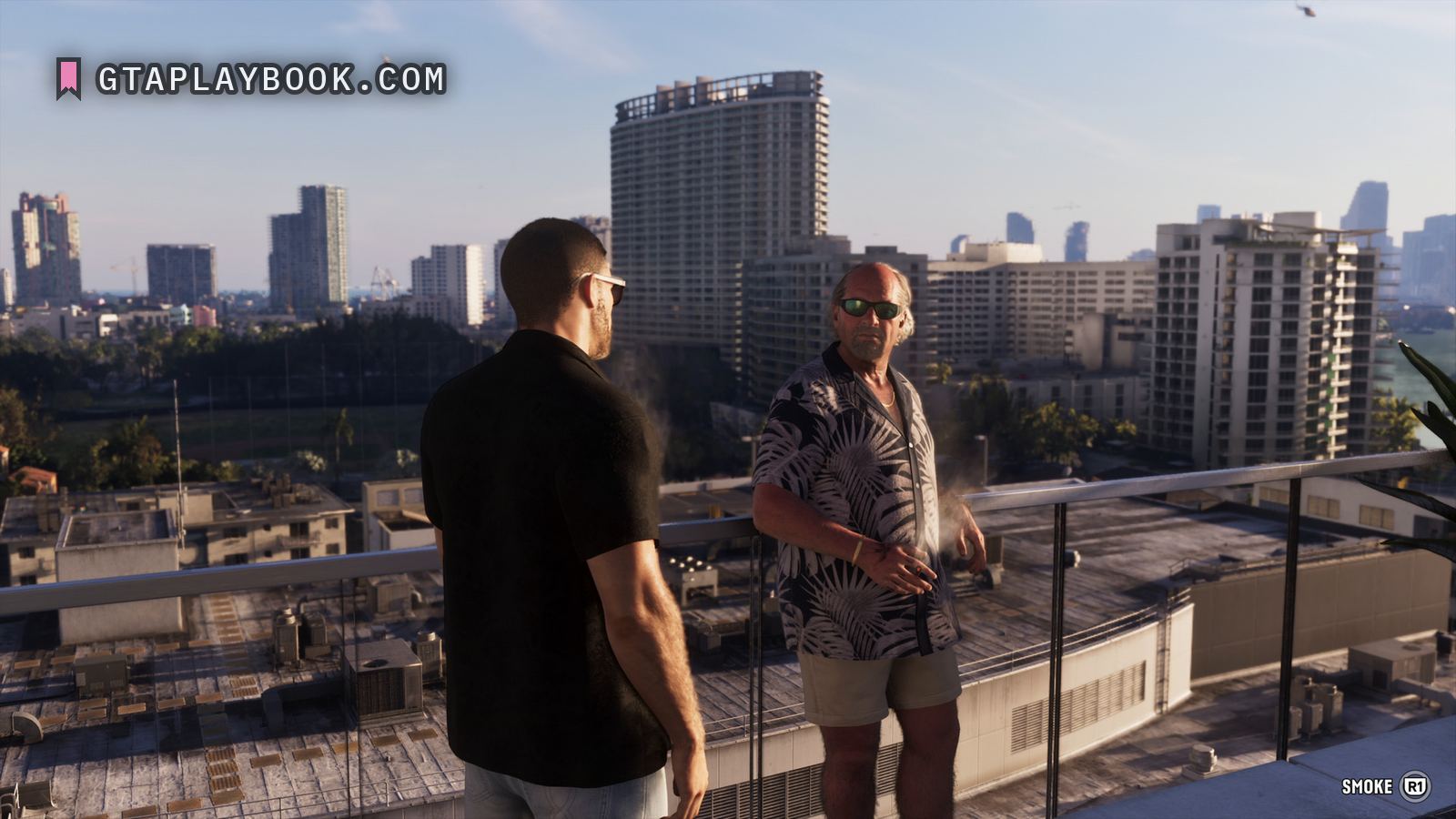
At 12:15 the corner holds a single line, SMOKE beside R1 in a ring. At 20:29 it offers DRINK beside R1 and DROP beside a circle button: two actions for an item held, a glass in the hand of a woman at a balcony rail in a club. The corner list is for choosing between things, or for an action tied to what you hold; the floating label is for one thing that is right in front of you, and the two coexist in the same video.
The floating style appears again later in the video, on a car door in the car-theft sequence, where two labels sit together in the world, and that lettering is read on its own page. Until 22 September 2026 this page quoted those car-door labels as its own, and until 25 September it said it held one frame and one word, next to the corner frames it also carries.
GTA 5 put its prompts in a help box in the top left corner of the screen. Red Dead Redemption 2 stacked them at the bottom right, which is where the corner lists here sit; this page said until 25 September 2026 that Red Dead floated them beside the object.
How to recognise it
- A label drawn in world space on the object, not in the HUD
- KNOCK on triangle, over a red door, at 2:14
- Corner lists at the bottom right: QUESTION and HAMMER LADY at 9:14, SMOKE at 12:15, DRINK and DROP at 20:29
- A second pair of world-space labels on a car door in the car-theft sequence, on its own page
The frame it comes from
The frame is Extended Look at ~2:14.15. It is 3840 by 2160, and the subject occupies 1344 by 1080 of it.
How this was measured
| Source | Extended Look, ~2:14.15 |
|---|---|
| Frame | 3840 × 2160 |
| Crop | 1344 × 1080 — a good part of the frame |
| Image check | 25 September 2026 — crop checked against the frame |
| Text check | 25 September 2026 — 36 claims read against the image, 4 corrected |
| Read at | the true pixel grid, 1:1 |
| Lettering | Letter height | Contrast | Reads |
|---|---|---|---|
| KNOCK | 37 px | — | every character |
| the triangle button glyph before the word | — | — | every character |
| DRINK | 37 px | — | every character |
| R1 | 26 px | — | every character |
| DROP | 37 px | — | every character |
| QUESTION | 36 px | — | every character |
| HAMMER LADY | 36 px | — | every character |
| L2 | 22 px | — | every character |
| SMOKE | 37 px | — | every character |
These figures come from the dataset, not from the prose above. We measure everything and claim what counts. How we work
What we still do not know
- What decides which style a prompt uses
- Whether knocking has an outcome beyond opening a scene
- Whether HAMMER LADY is what the game calls her or only a label for the encounter
- How many world interactions there are of this kind
- Whether they can be turned off in the HUD settings
Every frame we have
Also in these frames
Measured in the same frames as the images above, but without a page of their own. Same rule as everywhere else: what the crop carries, with the source and the timecode. The ones whose frame no page shows are collected in the frame.
More gameplay from the footage
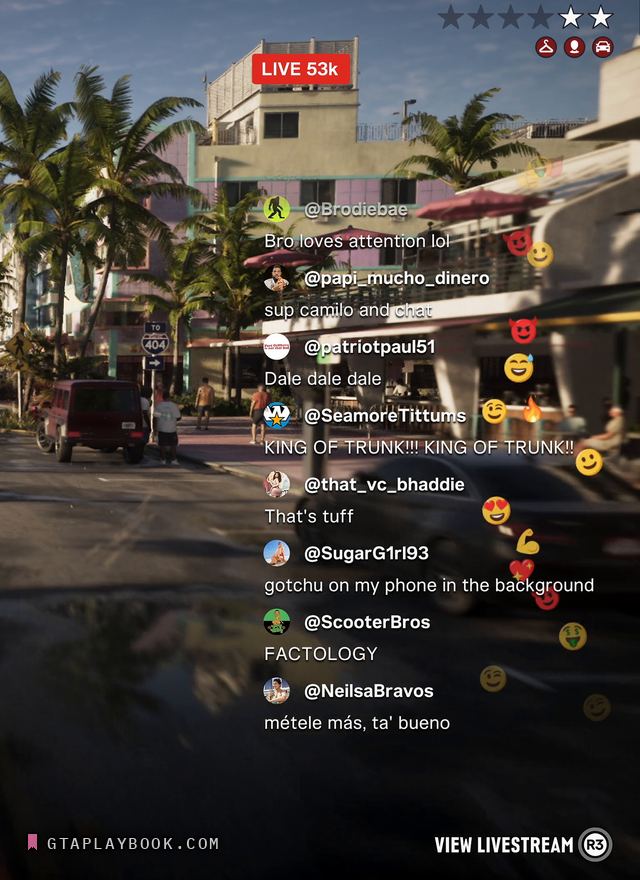
Extended Look · snt-00168 · ~18:25.56 · usable frame
Livestreaming
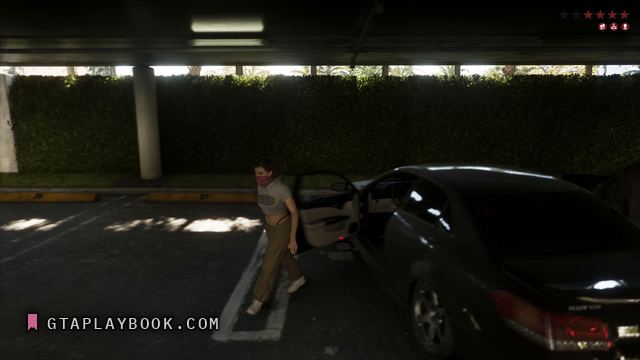
Extended Look · snt-00161 · ~15:57.71 · usable frame
Masks and disguises
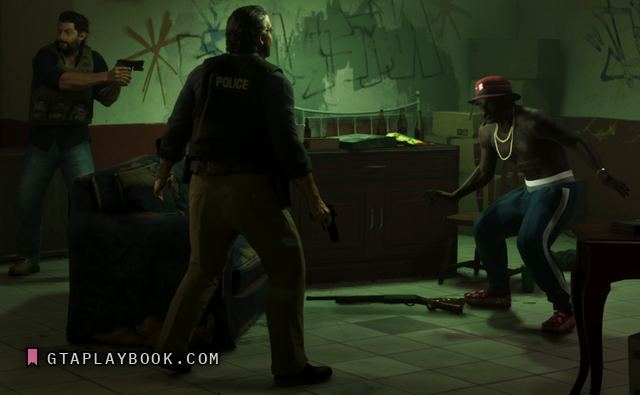
Extended Look · snt-00336 · 5:08.07 · usable frame
Police on foot
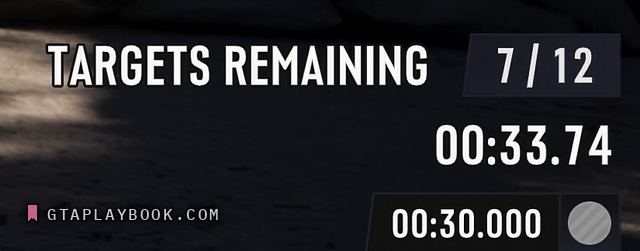
Extended Look · snt-00185 · 18:32.64 · placeholder frame
The challenge HUD
Extended Look · snt-00104 · 15:49.90 · placeholder frame
The minimap
Extended Look · snt-00169 · ~23:57.77 · usable frame
The phone